Appearance
Survey's more options
 The
The More options menu contains managing and general editing options:
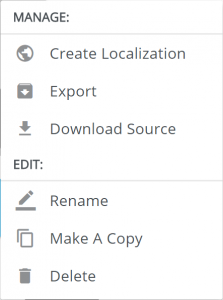
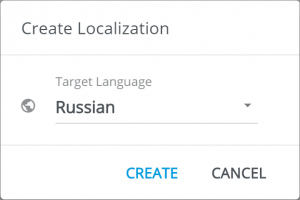
Create Localizationopens the popup where you can select the language of the localized version. ClickingCreatesets up the survey version ready for inputting the translations:
Click
Exportto open the export form.Click
DownloadSource to download the ZIP-archived source.Click
Renameto change the name of your surveyClick
Make a Copyto copy your surveyClick
Deleteto discard the survey