Appearance
e-Detailers localization
Localization in eWizard is a sequence of operations for quick and convenient translation of the draft e-Detailer to other languages.
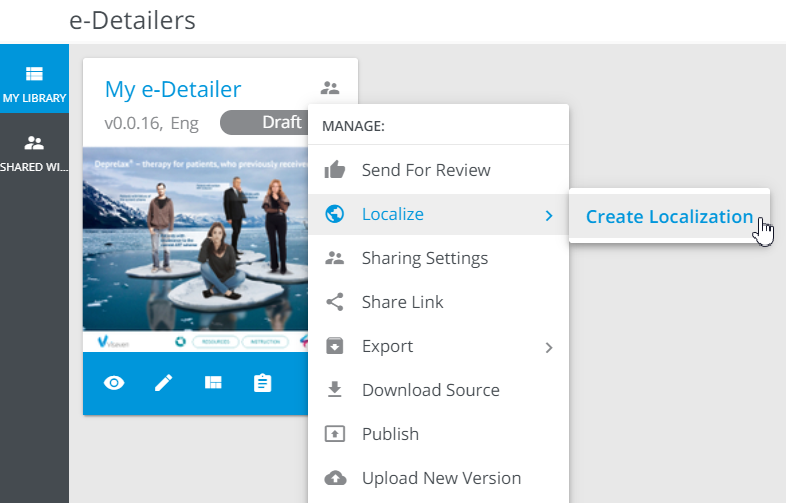
To start the localization process, create the localization copy of the required e-Detailer:
Click
 to unfold the e-Detailer more options.
Select
Localize→Create localization.
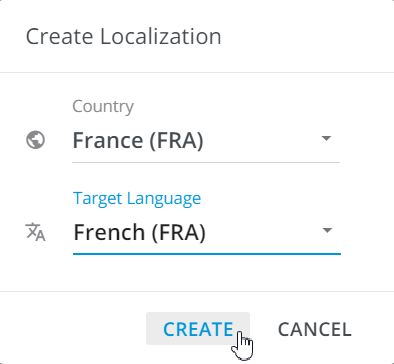
Choose the required values for
CountryandTarget languagein the pop-up that appears.Click
Create:
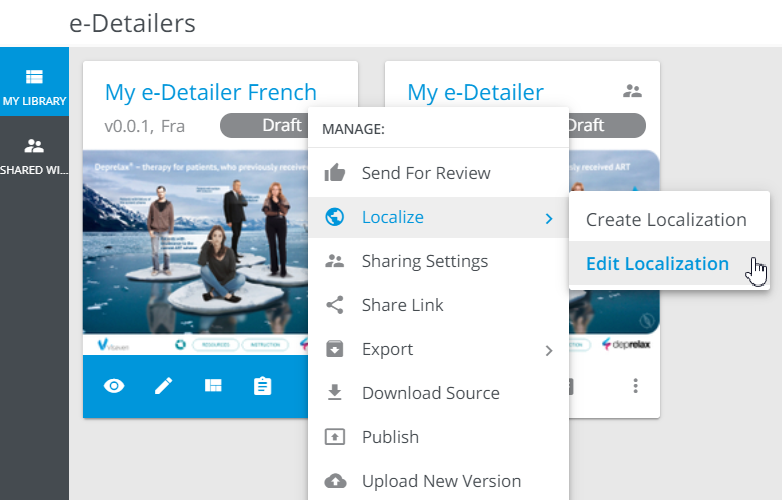
Find the localization copy to the left of the original e-Detailer in Library.
To start localizing your e-Detailer, follow the steps below:
Unfold more options of the e-Detailer localization copy.
Select
Localize→Edit localization:
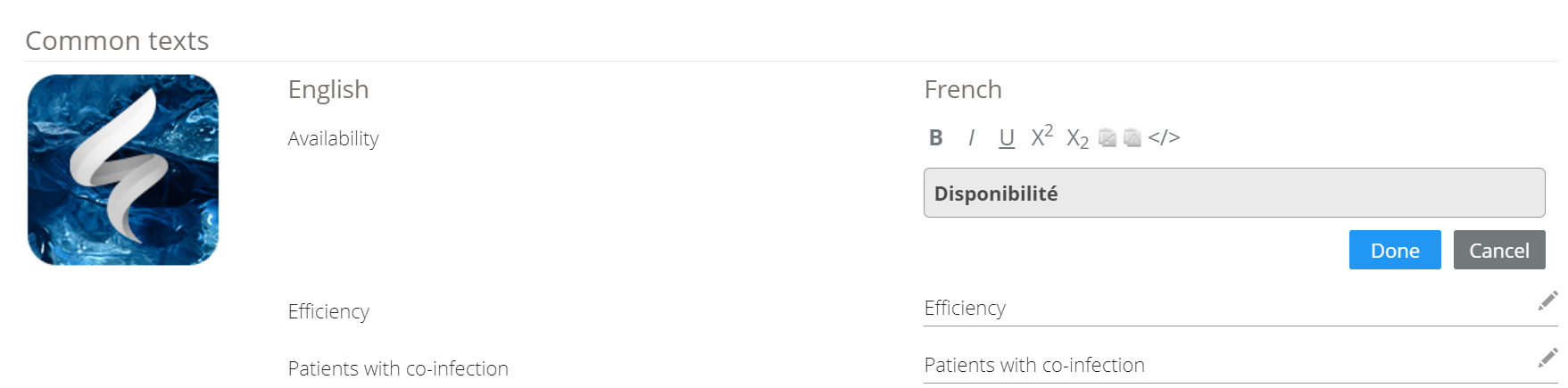
In the Localize mode, you can find the texts of the original e-Detailer in the read-only mode on the left. And on the right, you can translate each line individually into the current language by clicking the  button.
Also applies to the compound components texts.
Enter the translation.
Click
Done:
You can translate all common e-Detailer texts in the first chapter. To find a specific chapter for localization, click All chapters:
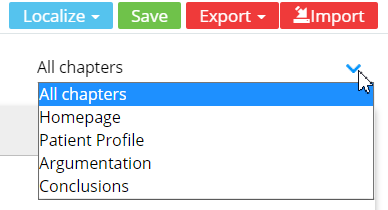
- Click
Saveto apply the localization.
You can also access the Localize mode directly from the Editor navigation sidebar.