Appearance
Overview
Library is a dedicated service for providing access to the content items and folders available for you in eWizard. It comprises three spaces with access to your active, shared with you, and deleted content.
My library
My library is the space in eWizard where both created and uploaded content items are located. To organize your content items in the My library space, you can use folders.
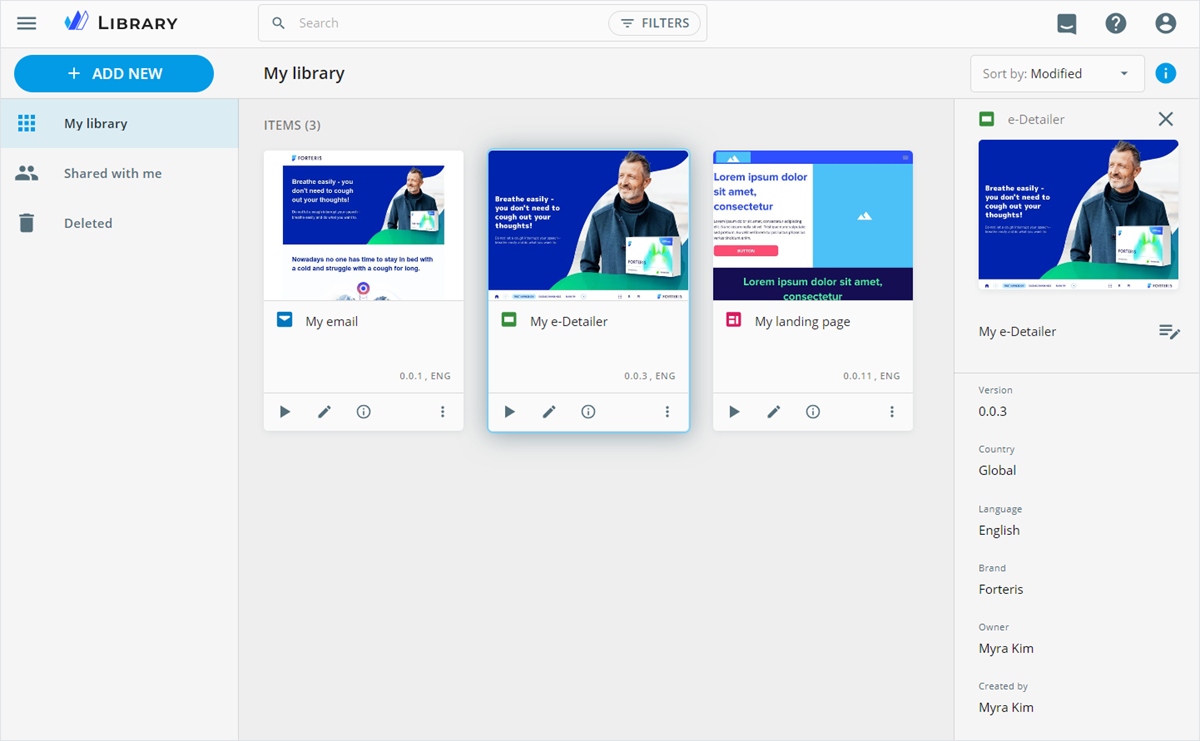
You can view and edit content item details on the side panel. To open the details panel, click the content item card.
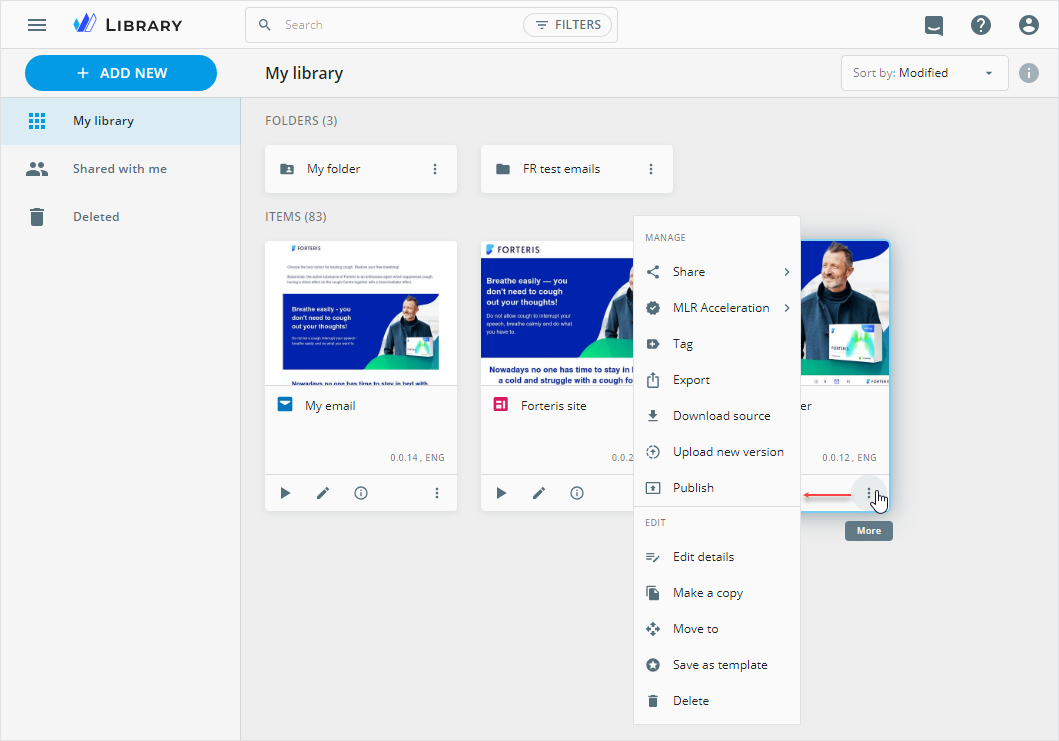
Find the more options of the content item under its menu.
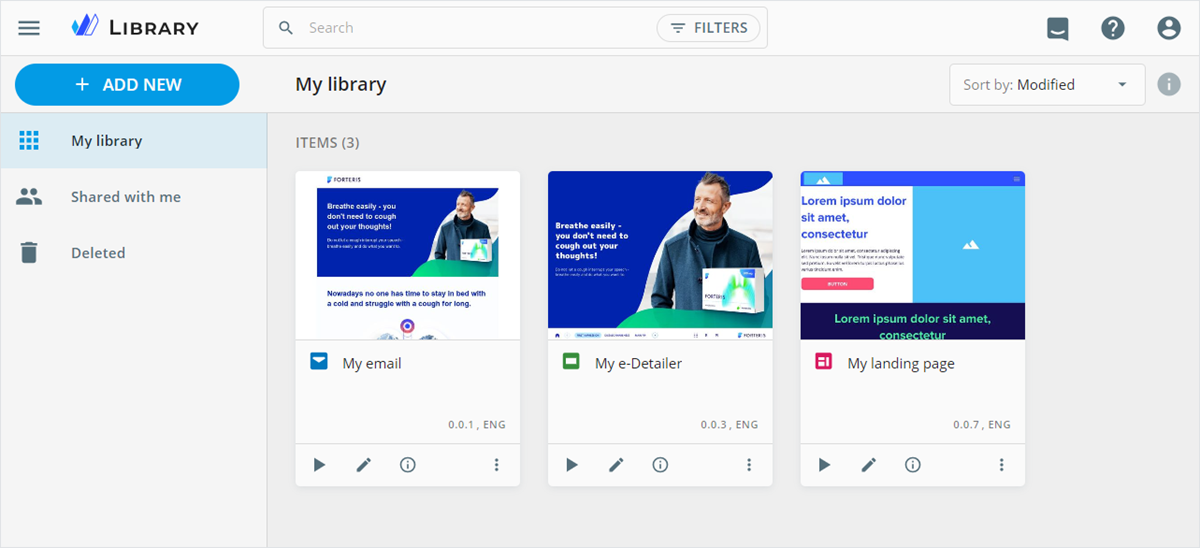
Within My library, you can search, filter, and sort the content items by the required parameters.
To handle more than one content item at a time, press and hold the Ctrl key or the mouse button and select a range of items.
Shared with me
In this space, you can find the content items and folders that are shared with you manually or automatically by other users, sorted by the sharing date.
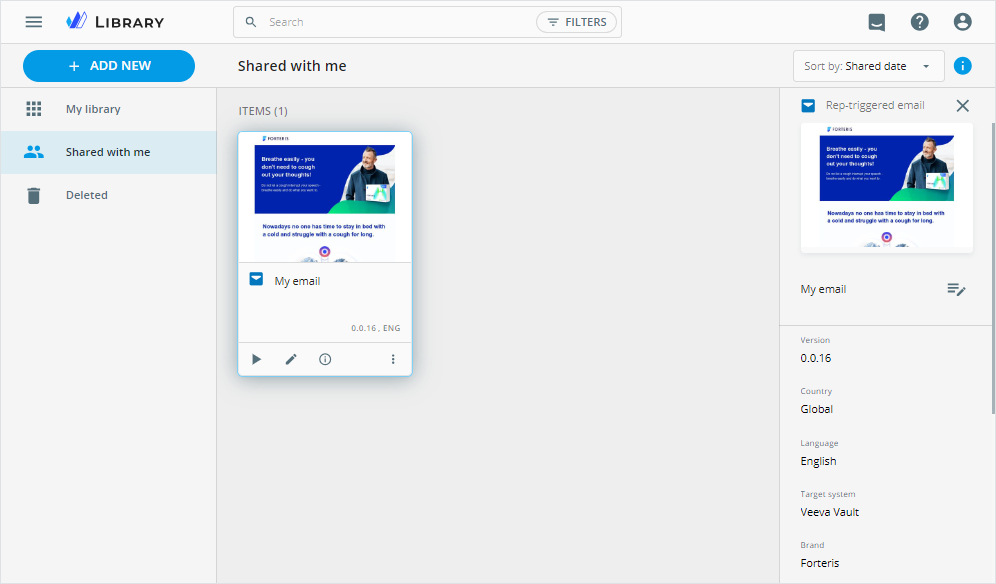
The search box and filters on the top panel can help you locate the required content item. To view and edit the content item, select it and go to the right-hand sidebar with quick details.
If an owner renames or deletes the content item or folder, you can find the same changes within your space.
More options of the shared items depend on the user role assigned to you.
You can create new content items/folders in a shared folder. The content items/folders inherit the project permissions. The owner of the project becomes the owner of your content item/folder.
Deleted
The Deleted space contains all content items and folders you've deleted from Library.
The default retention period for deleted content items/folders is 90 days. To change the retention period, contact the eWizard Support team.
You can Restore or Delete permanently any deleted content item/folder with its more options menu.
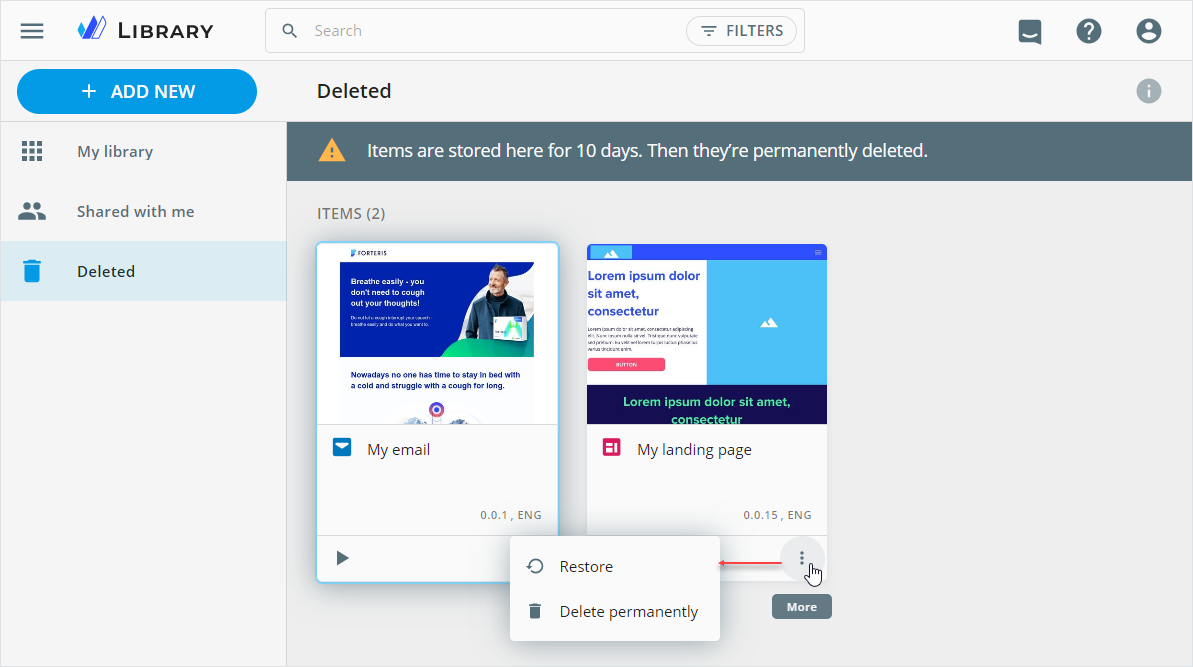
Before taking any action, you can check the deleted content item in Viewer.