Appearance
Pulse
You can publish your e-Detailers to eWizard Pulse. For this:
Choose
eWizard Pulseas the target system: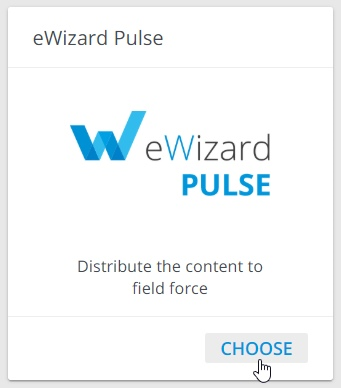
Select user(s) and/or user groups to share your e-Detailer with.
Click
NEXT: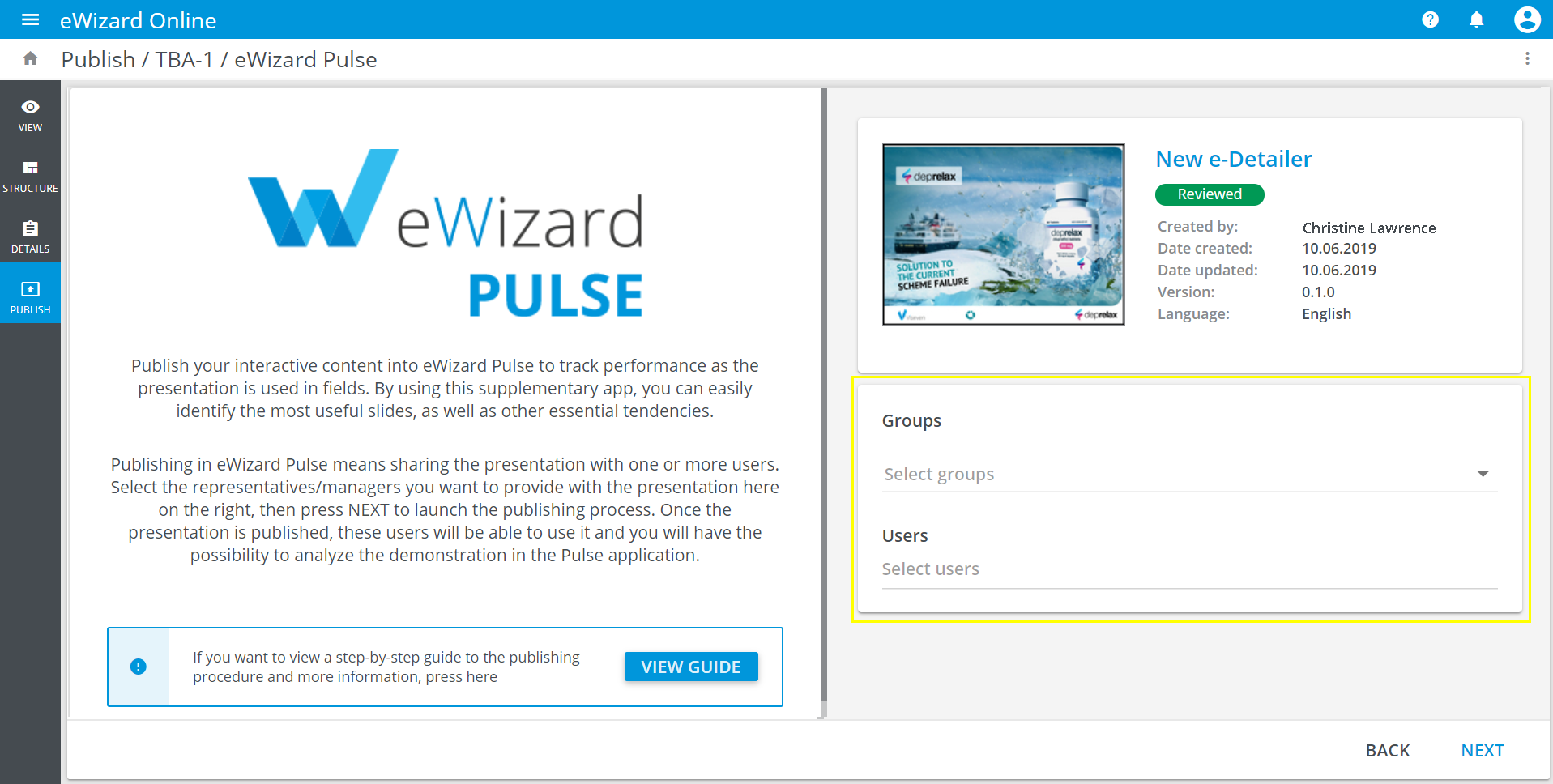
Check
Publishing settings.Click
PUBLISH: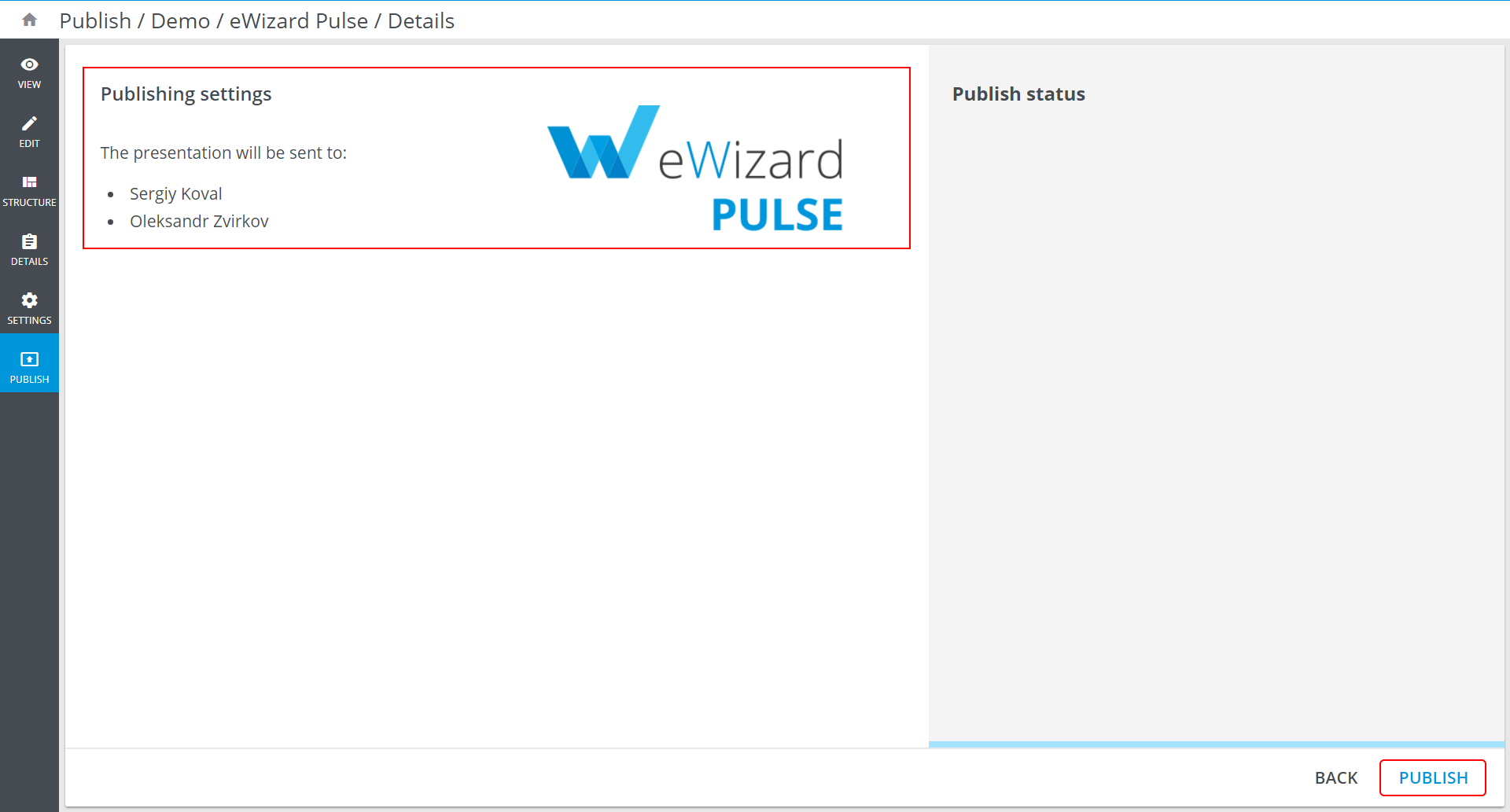
The publishing process starts:
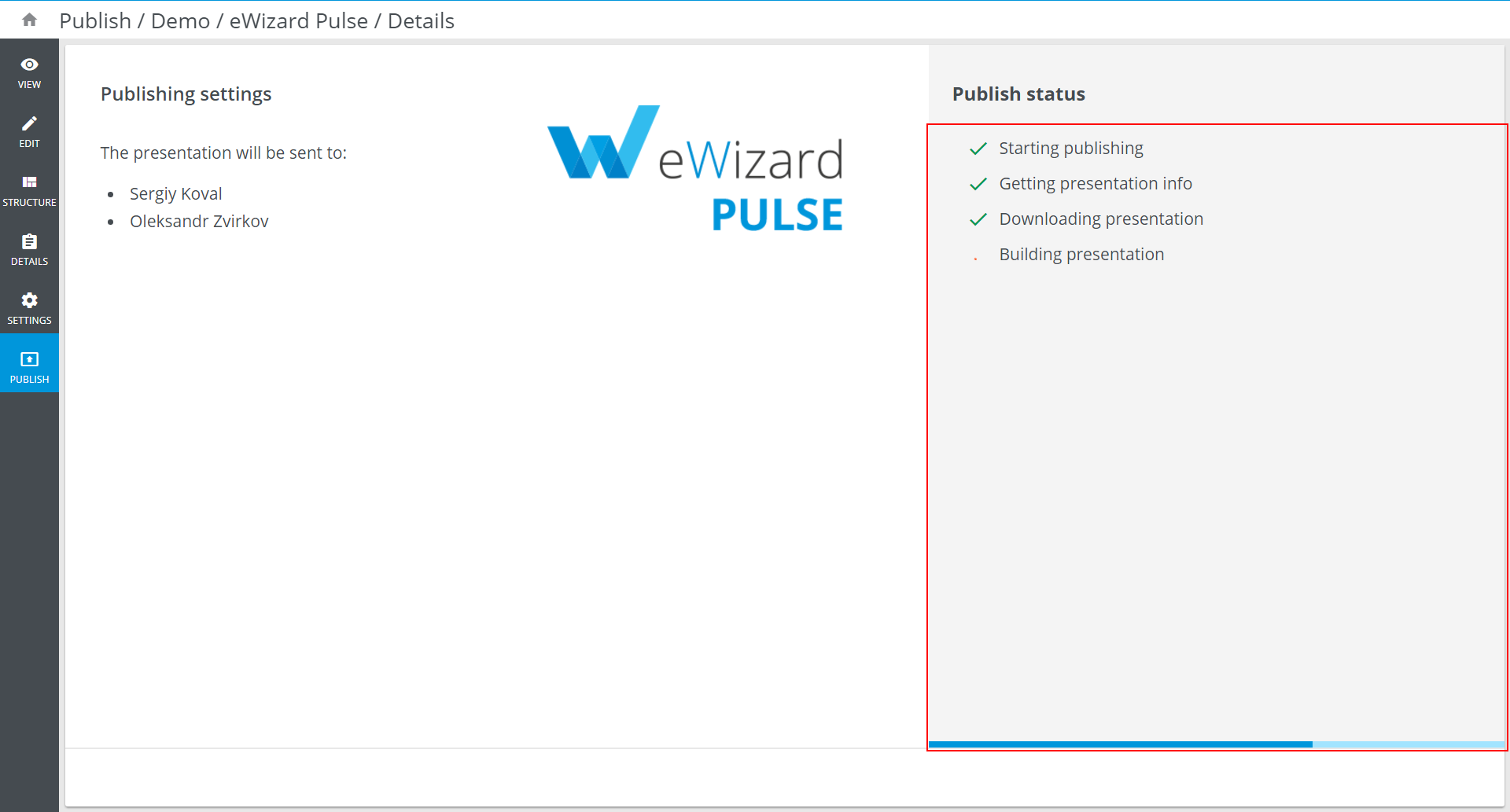
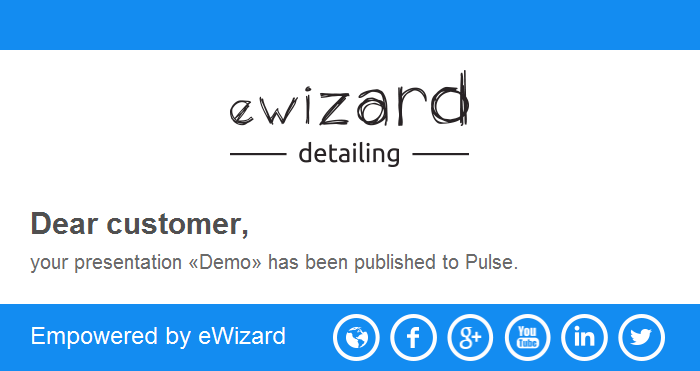
Upon successful publishing you will also receive the email notification:
To see the presentation uploaded, use Navigation bar to navigate to Pulse, which is described in eWizard Pulse section.