Appearance
Localization
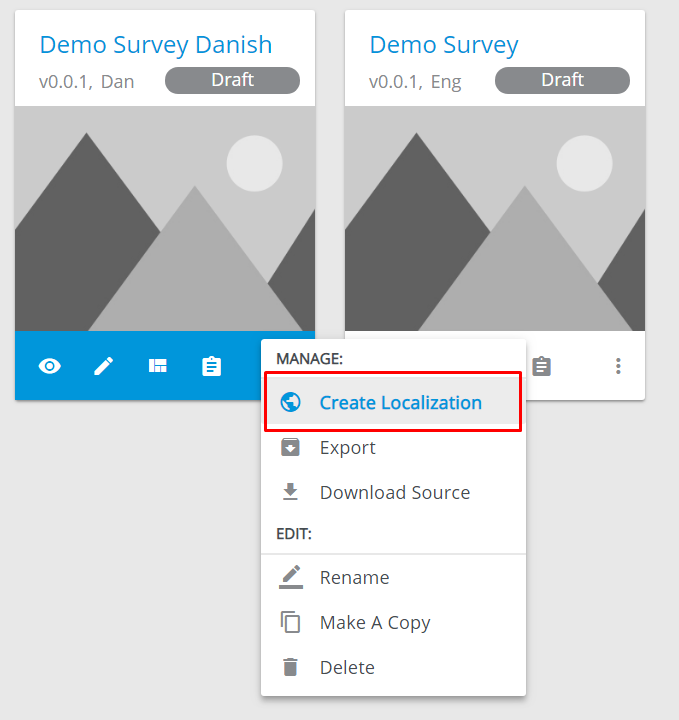
To localize a survey, do the following:
Go to the
Surveyssection.Unfold
More Optionsmenu of a survey.Select
Create Localization:
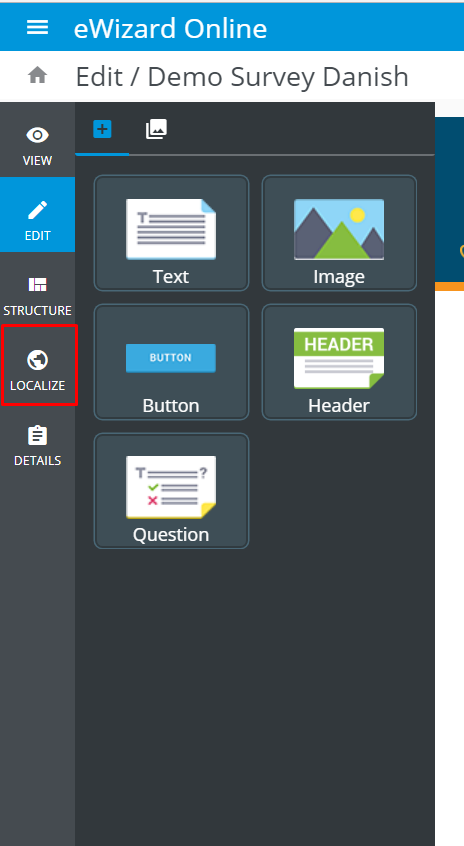
Open the created localization version's
Edit,Structure, orDetailspages.Find the
Navigationbar on the left.Click
Localize:
Here you can create the localization or edit already localized version of a survey:
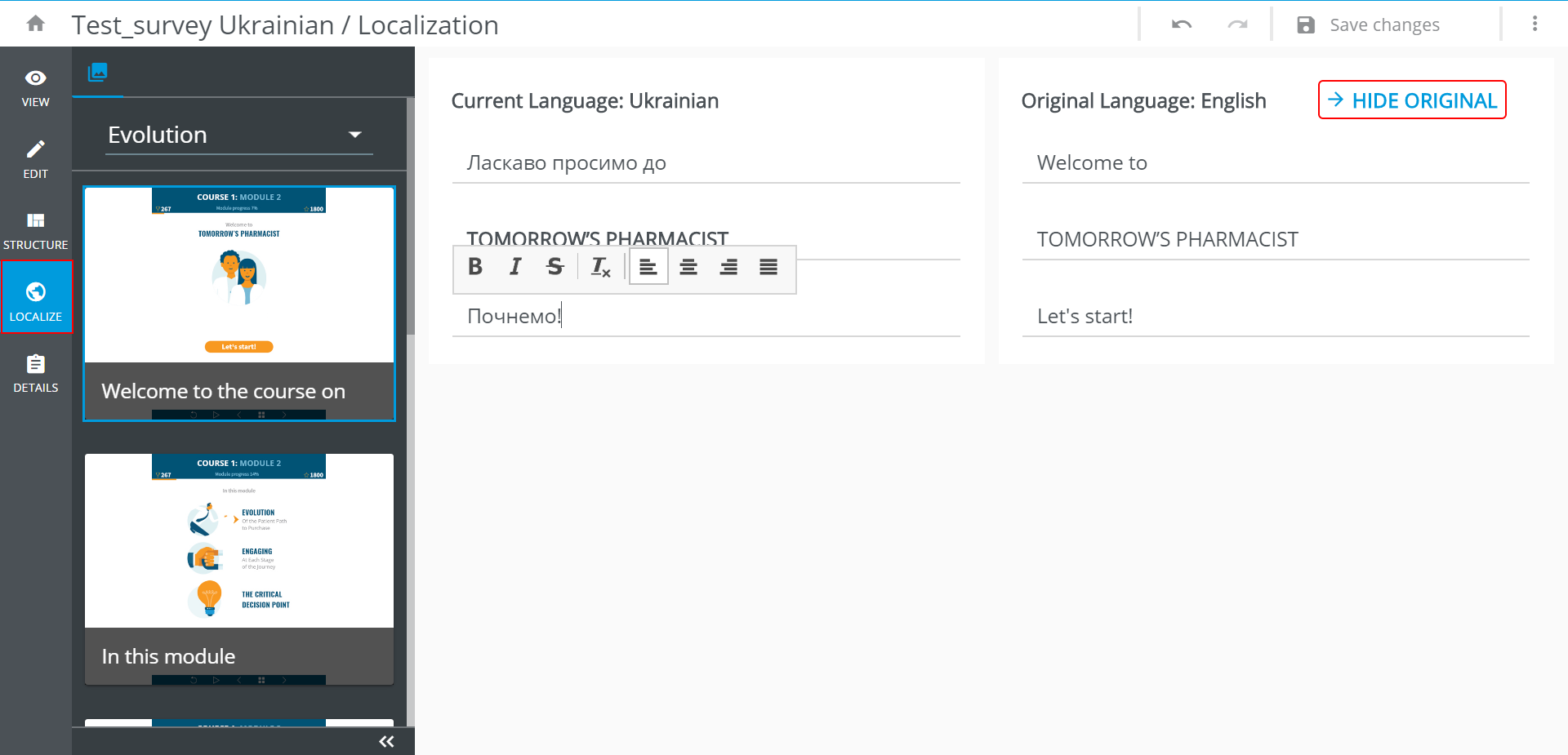
You can hide the original texts using the button in the top right corner of the localization page.
You can navigate through the survey's structure using the navigation bar on the left. The slides are displayed by the chapters. The chapters are switched in the drop-down above them.