Appearance
Details
e-Detailer's Details page contains all its data (created and updated dates, its current version, status, all versions and builds history, sharing settings, etc.) and some additional options (download certain version or build, share a presentation, etc.).
To view the e-Detailer details:
Go to the
e-Detailerssection.Click
Detailson the presentation's thumbnail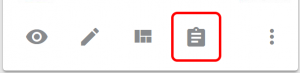
- or the
Detailstab in the Navigation side bar.
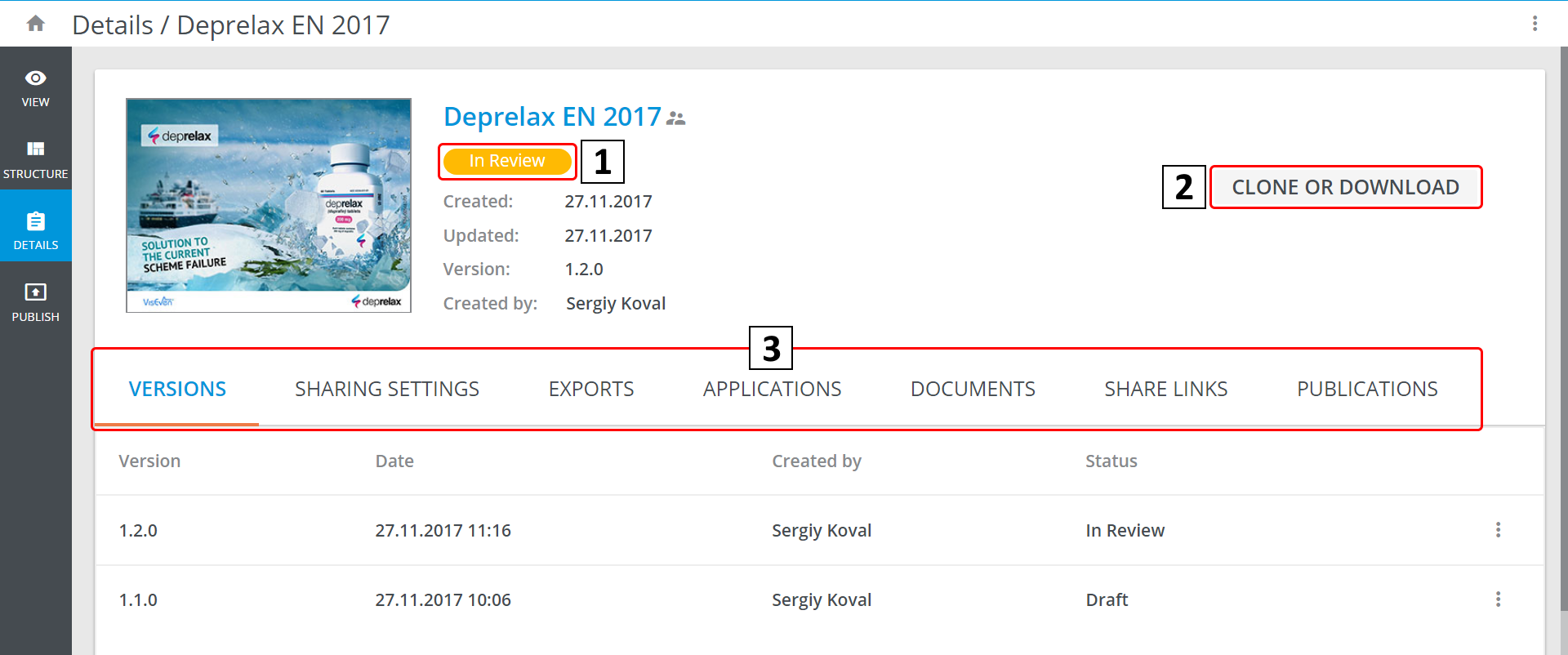
The e-Detailer's status icon [1] of the Approved, Declined or In Review acts as a link to this item in the Reviews section.
Under the status, there is a brief summary of the e-Detailer, including its current version.
You can Download Source or Clone [2] it via Cobalt CLI related possibilities:
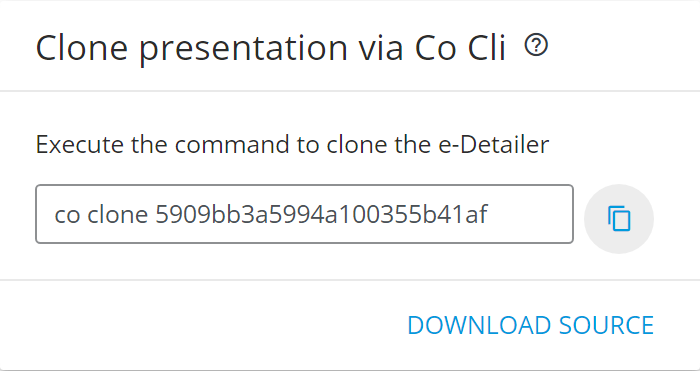
 is a link to the Cobalt documentation.
Tabs [3]
VERSIONSdisplays all the versions of the e-Detailer. You can also download (Download Source) or view (Preview) them via theMore optionsmenu ( ).
).SHARING SETTINGScontains a list of collaborators (the users who can edit the e-Detailer), their roles and emails.EXPORTSholds the information on the exports of this e-Detailer to CLMs. The more menu () contains the Downloadoption.APPLICATIONScomprises the information about all builds of the presentation for Android and iOS. TheMore options* menu () contains the Downloadoption.DOCUMENTSis a history of all the e-Detailer's exports as documents (PDF and PPT). TheMore optionsmenu () contains the Downloadoption.SHARE LINKSare the active links to this e-Detailer, the statistics and operations with it. The more options menu () contains the Share link, theCopyand theEditoptions.PUBLICATIONSis a list of the e-Detailer's publications with links to theirDetails.