Appearance
CT Presenter
You can publish your e-Detailers to CT Presenter. For this:
Choose
CT Presenteras the target system: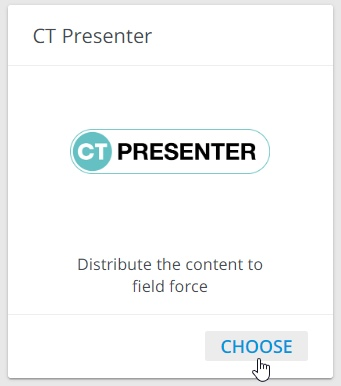
Select your Salesforce environment and click
Sign in[1].In the pop-up that appears, enter your credentials [2]:
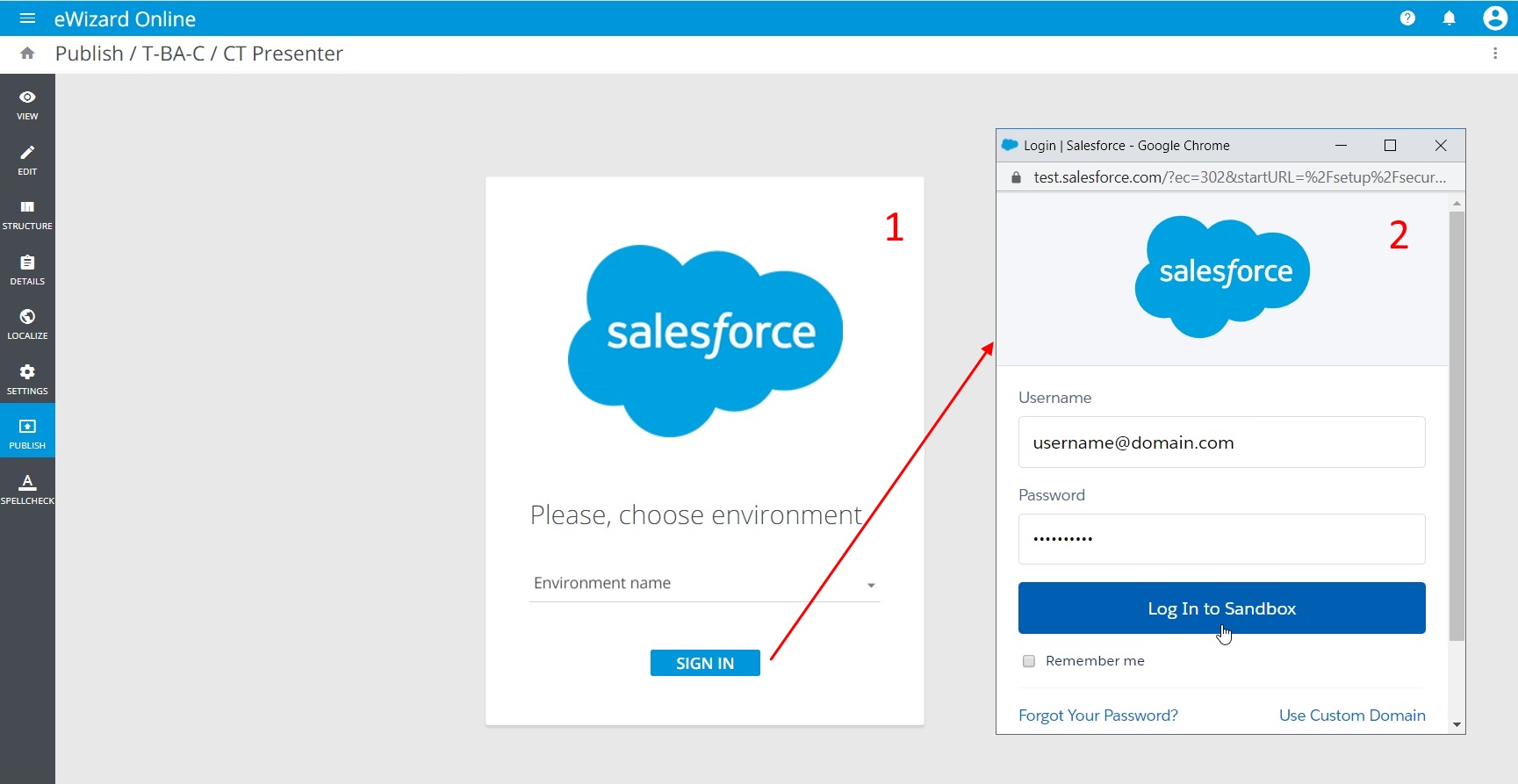
Make sure the user you are authorizing has permissions to publish the content.
Review the data of the e-Detailer you are going to publish (thumbnail, name, author, version, etc.) and click
NEXTto continue: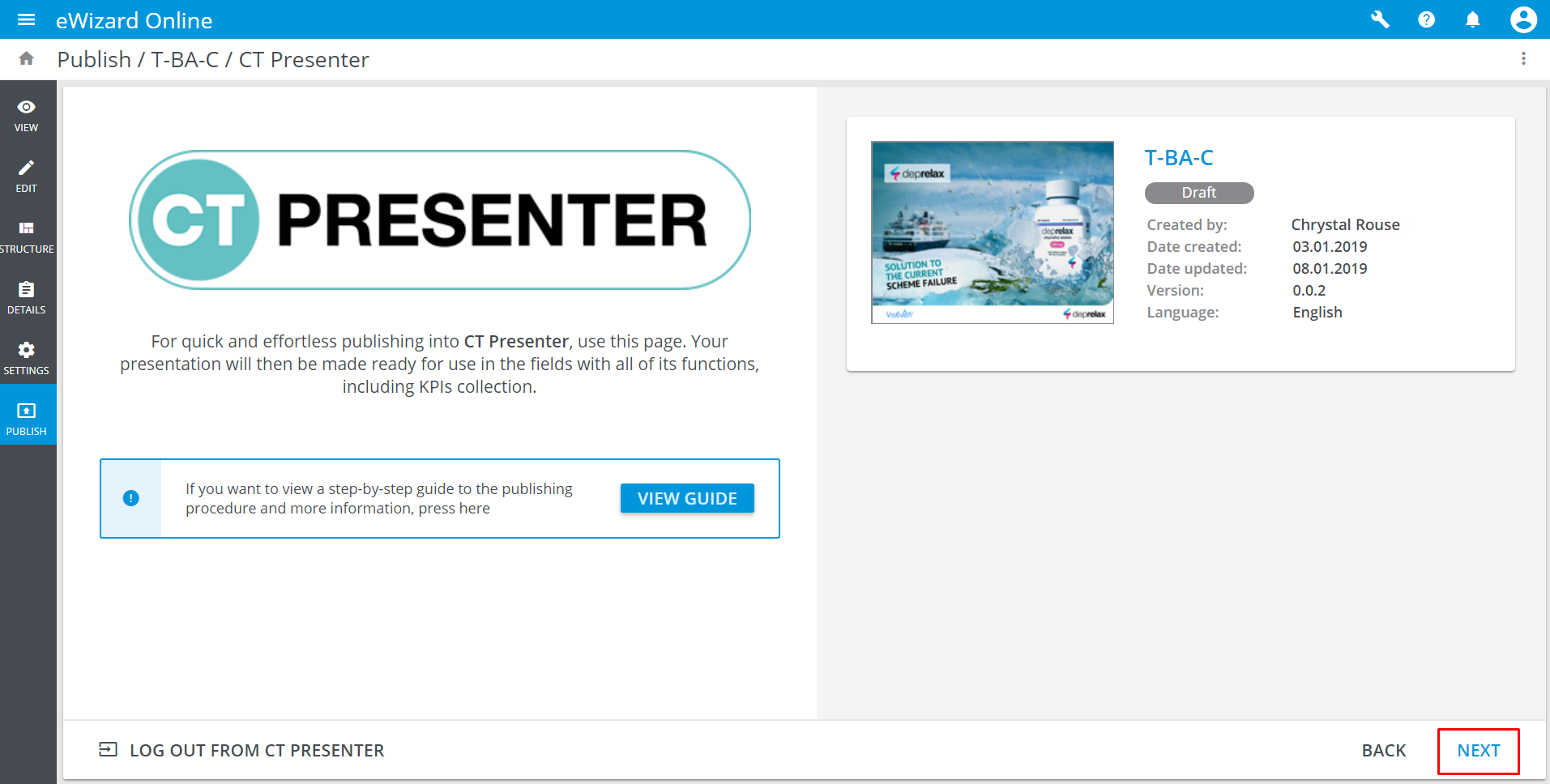
Click
BACKto return to the previous step and make the changes you need, if any.You can
LOG OUT FROM CT PRESENTERclicking the corresponding button it the bottom left corner of the page.Enter the parameters for your e-Detailer in general [1] and for each slide separately [2].
You can assign a different product for each slide.
Click
Next[3]: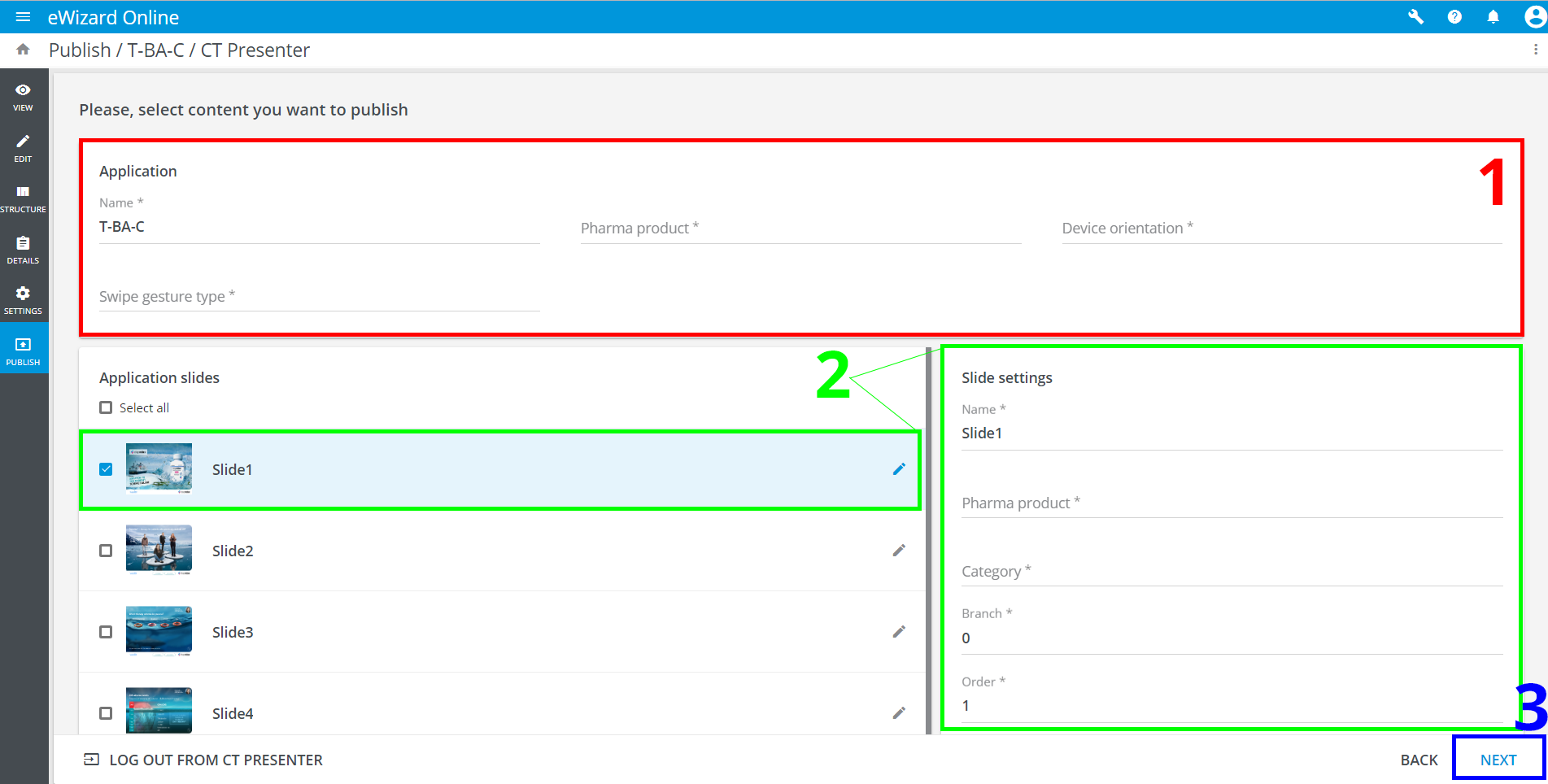
The successfully published presentation appears in your CT Presenter profile.