Appearance
Fragment
The Fragment component is a snippet where the Fragment content type is inserted when sending the email to an addressee in your target system.
For correct Fragment work, you must set up the following prerequisites:
Create an email with
Add New.Create a fragment (content type) with
Add new.
Your email and fragment must be created for the same target system.
Start editing the email:
Add the
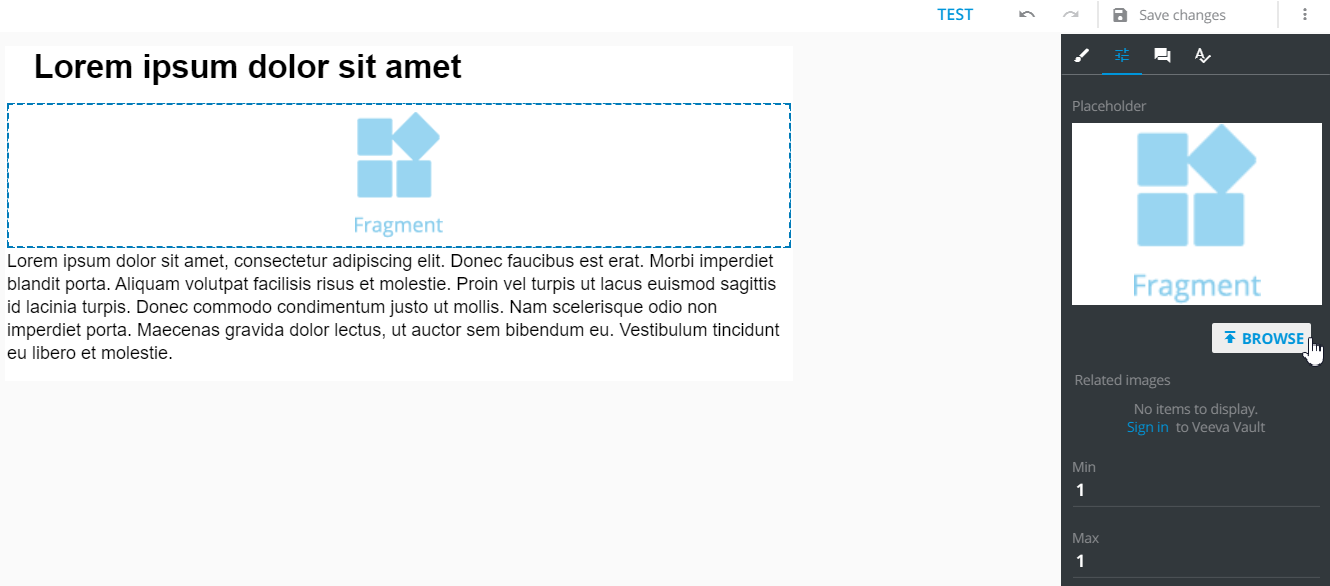
Fragmentcomponent to the layout.Optionally, you can set up an icon for this fragment.
Set the required
minandmaxvalues. These values define how many fragments are to be required by the target system when sending the email to an addressee.
Publish your email to the target system selected.
Publish the fragment (content type) to the target system selected.
Link the email and the fragment in the target system.
When sending this email, you can attach the fragment to it (as a document).
When the email contains less than min number or more than max number of fragments (as you have set in eWizard email Editor, see step 3.3), the warning appears. You will be asked to select a document to attach to the email is being sent. Your added fragments (and linked to this email) are in the suggestions list.