Appearance
e-Detailers upload
You can upload any HTML5 presentation compatible with eWizard from your device. Generally, you can upload only previously downloaded from eWizard presentations or the presentations with the similar structure. To do so:
Open
Add new.Select
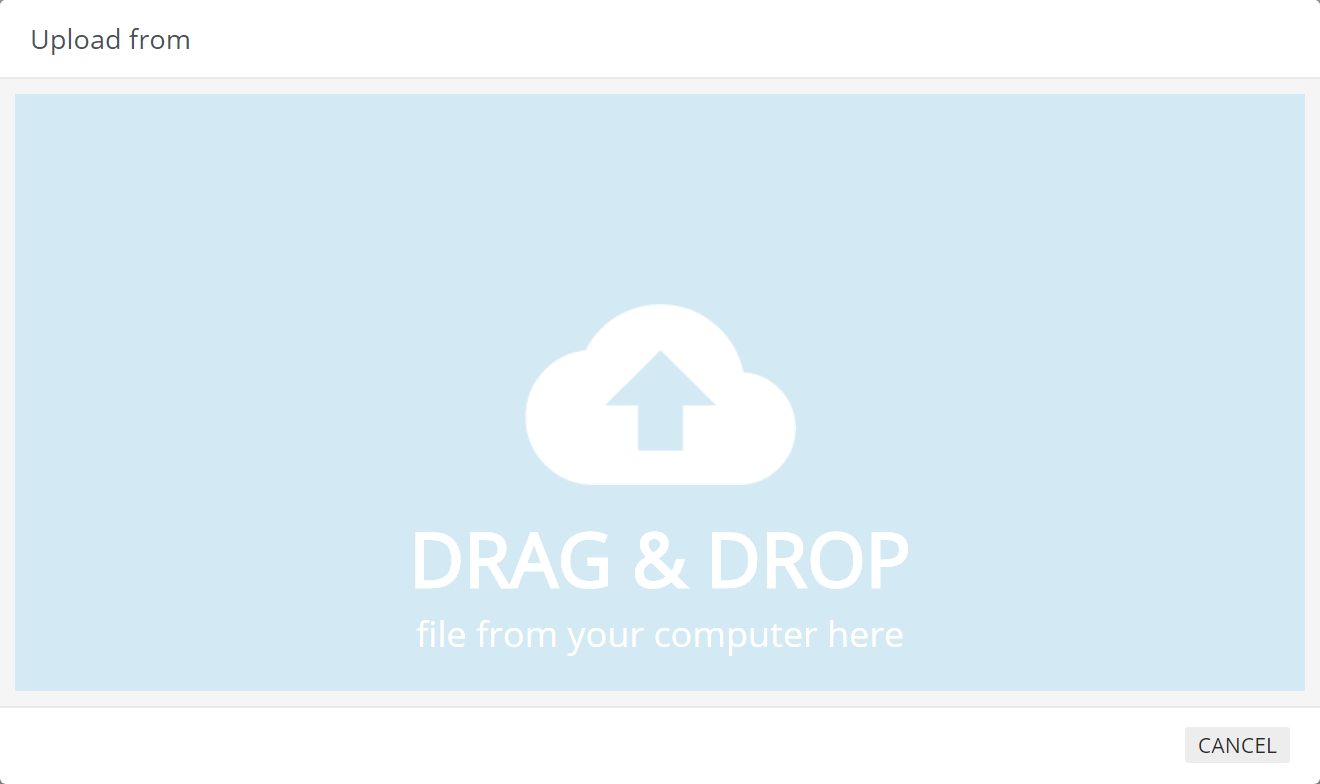
Upload from.Click the blue area of the
Upload fromform:
Select the e-Detailer (or several ones).
Click
Open.
Alternatively, drag and drop the archive(s) into the blue area of the Upload from form.
It is recommended to keep the media files less than 100MB and the presentation less than 500MB. It ensures that conversion will not take too much time.
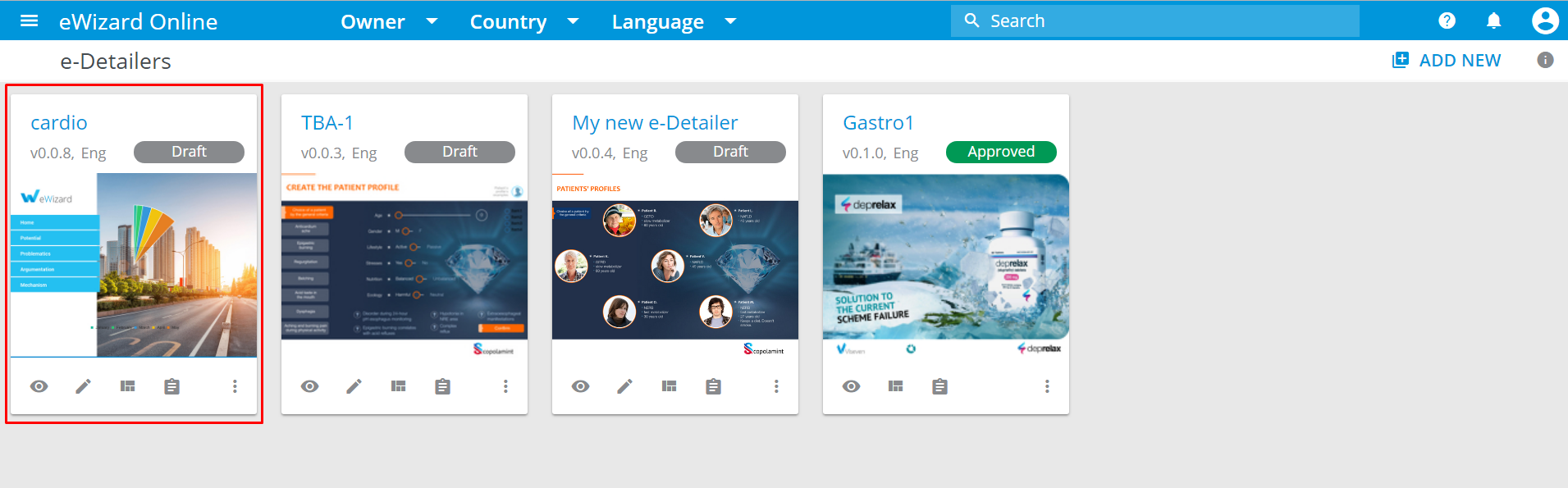
Once the upload is complete, your presentation is added to the e-Detailers section and is available for editing:
Custom presentation requirements
If you don't have any presentation downloaded from eWizard, you can create it independently. The new presentation should meet the following requirements to be compatible with eWizard:
- Archived in .zip format.
- Minimum structure requirements:
a) Folders:
- app
- node_modules
b) Files:
- package.json
- structure.json
- spa-ctl.json
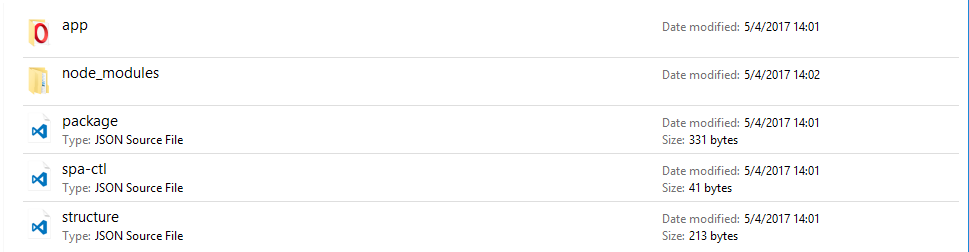
It's also possible to upload the old structured presentations without node_modules directory (the components placed in app/components)