eWizard platform
Appearance
To add a new folder:
Click ADD NEW in the top right corner of My library.
My library
Select Folder.
Folder
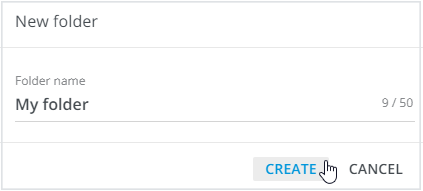
Set the name for your folder in the New folder pop-up.
New folder
Click CREATE.
CREATE