Appearance
Button
You can add a button on your email layout.
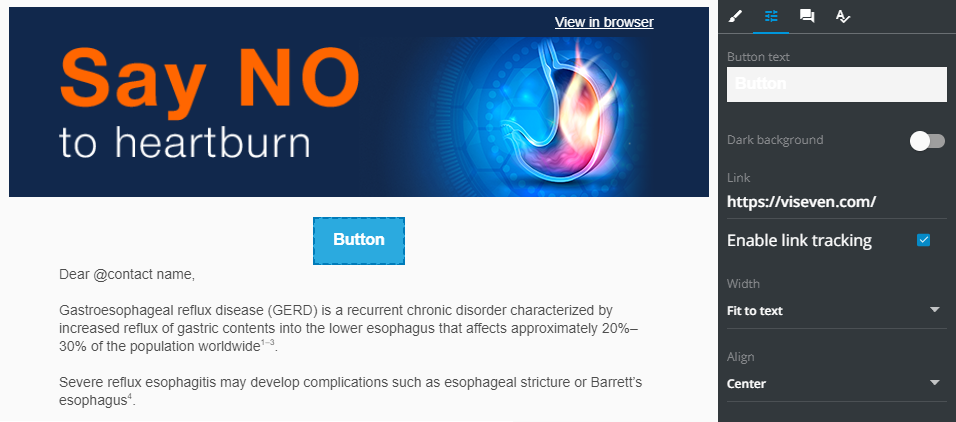
Select the button added to the layout to access its properties. They include:
Button text: type the text to be displayed on the button. ToggleDark backgoundON when your button text isn't clearly visible in this box.Link: the link you add here is used to redirect email recipient once they click the button.Enable link tracking: select this checkbox to log this button clicks within your recipient email client.Width: fit the button width to text or allow the full layout width.Align: locate your button in the center of the layout, to its right, or to the left.