Appearance
Review details
You can view the details of an item on review. You can Preview, Approve, and Decline an item here.
The REVIEW HISTORY block contains detailed information on an item:
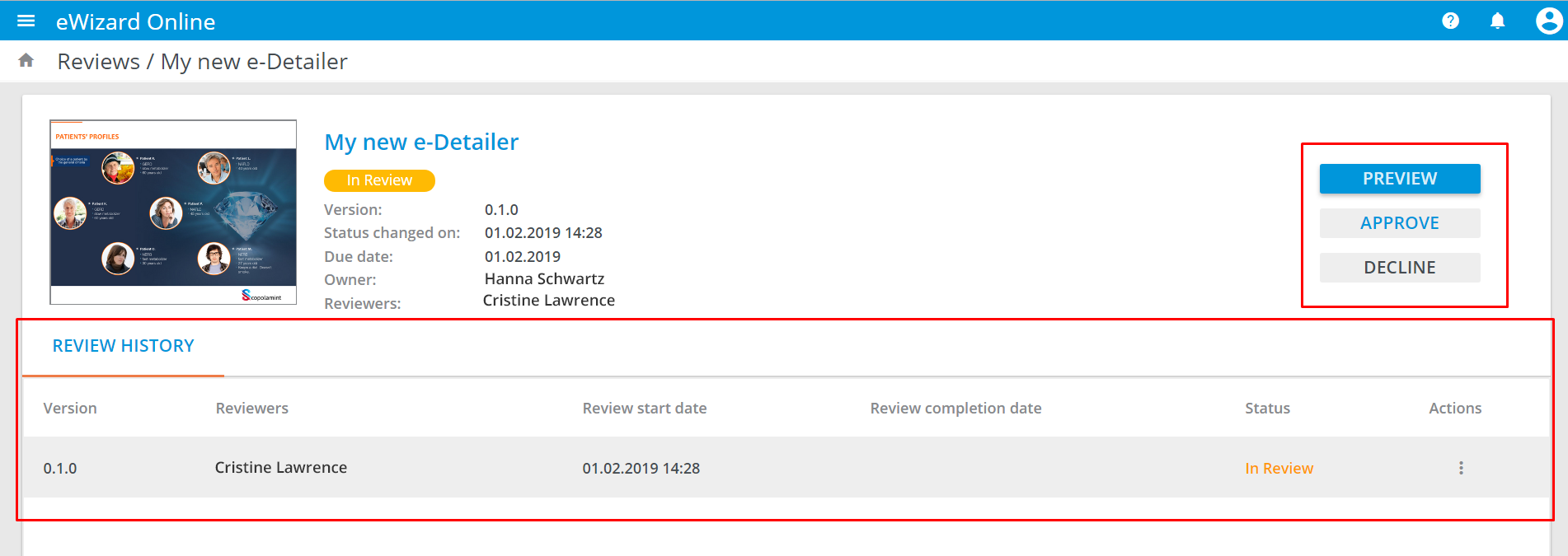
To review an item:
- Click
ApproveorDecline. - Confirm you decision:
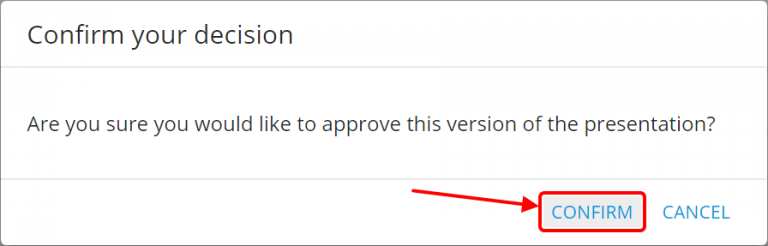
The Approval requires all reviewers' decision. For Declination the decision of only one reviewer is enough.
When there are several reviewers and A single approval is sufficient for this presentation is set, the first review decision will be applied to the presentation and further review will be closed.
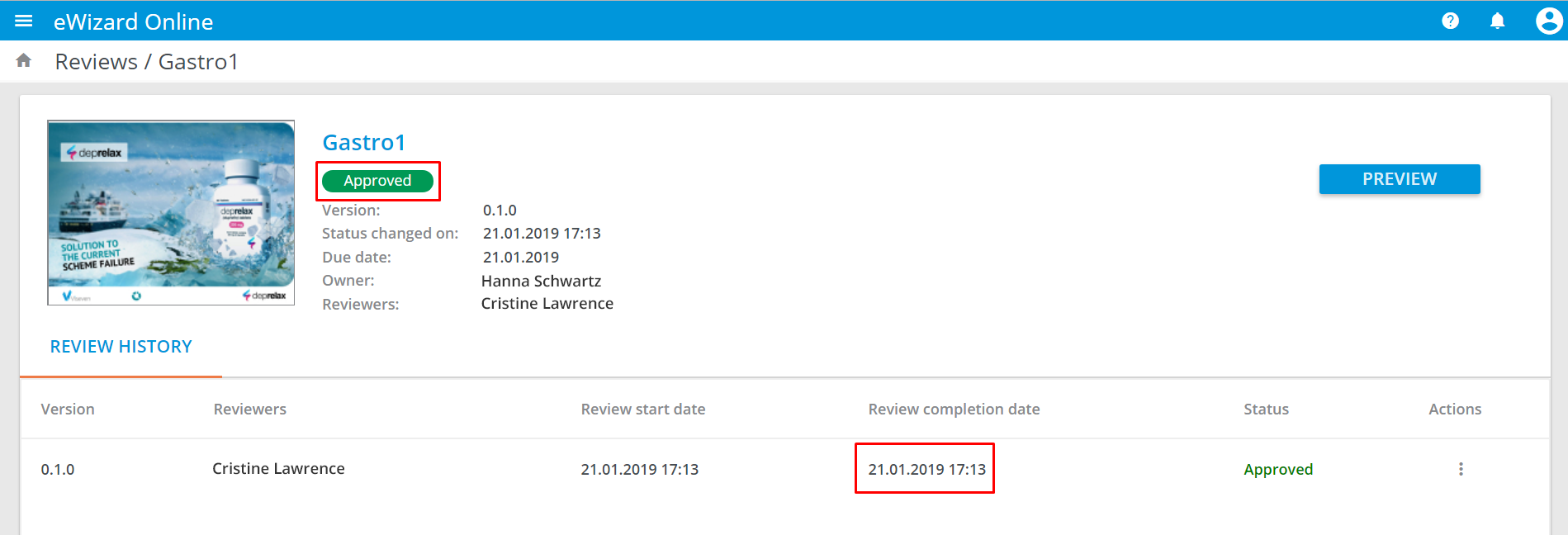
The review completion is followed by the item's version change and appropriate notification. The Review completion date is also updated.
In case the Due date set is expired, the item's new draft copy is created, whereas the original item stays in Reviews and is available for approval.