Appearance
AEM
You can publish your e-Detailers to AEM. For this:
Choose
Adobe Experience Manageras the target system:
Authorize to your AEM environment: enter website address (
Host) and your credentials: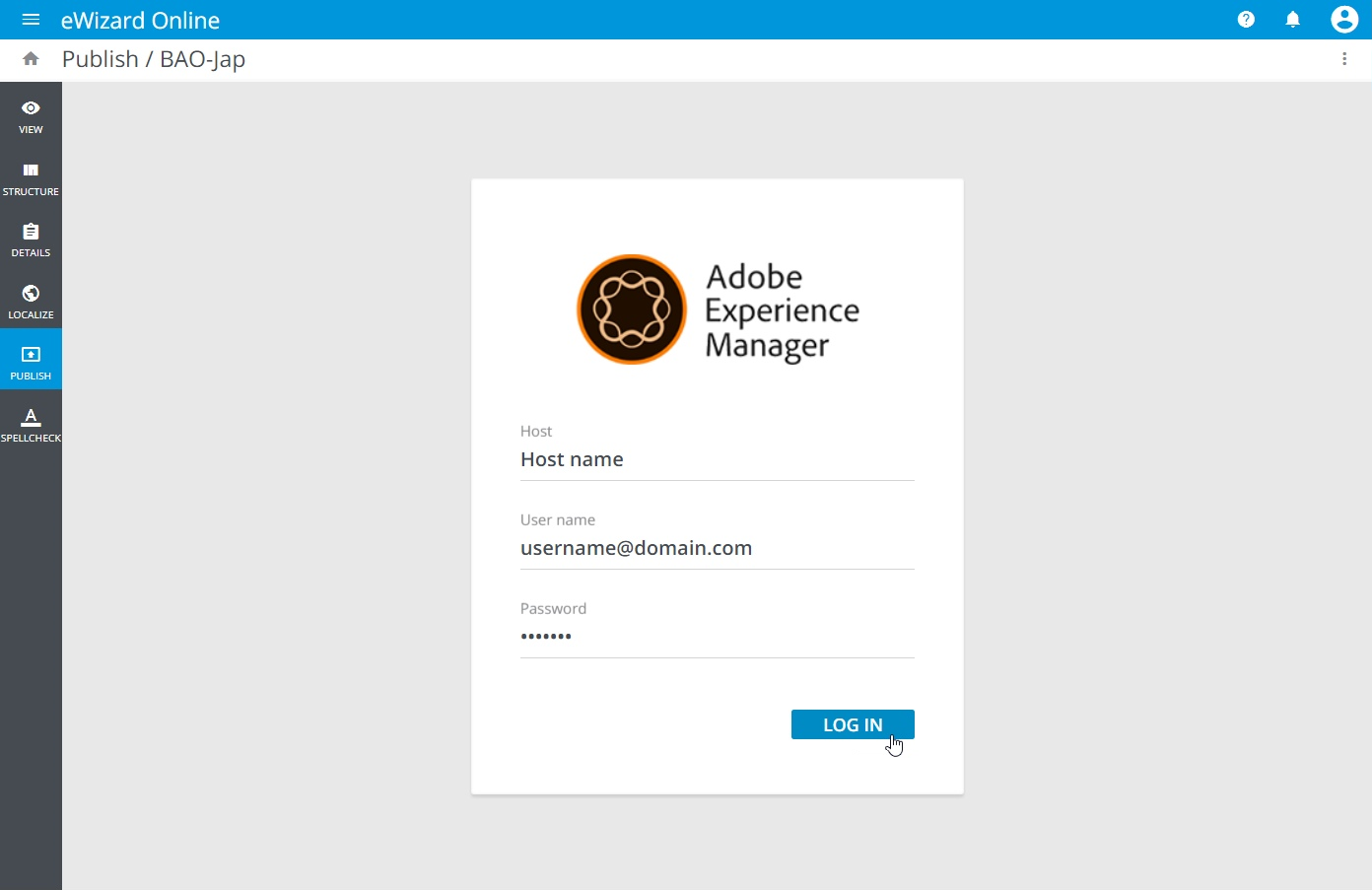
The next steps depend on your environment settings. You may be asked to preset fields, folders (like DAM, Digital Assets Manager), and dummies at your environment before publish, and select them while publishing, or to select slides to be published.
Please refer to your administrator or other responsible person for the configuration of e-Detailers publishing process to AEM in your company.
Publishing to AEM from Veeva Vault
The approved e-Detailer in Veeva Vault can be published to AEM.
Publish e-Detailer to Veeva Vault.
In the
Actions menutab, selectPublish to AEM.
The original e-Detailer is found in eWizard Classic with the help of an external ID. Then, click Publish to AEM.
The successfully published e-Detailer is available in AEM.