Appearance
Export history
eWizard stores the details of all your export operations and allows for downloading any build present in the system.
To access your export history:
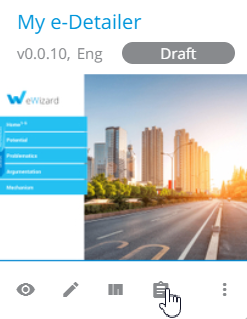
- Click the details icon on your e-Detailer card:
- Go to the
EXPORTStab on theDetailspage that opens:
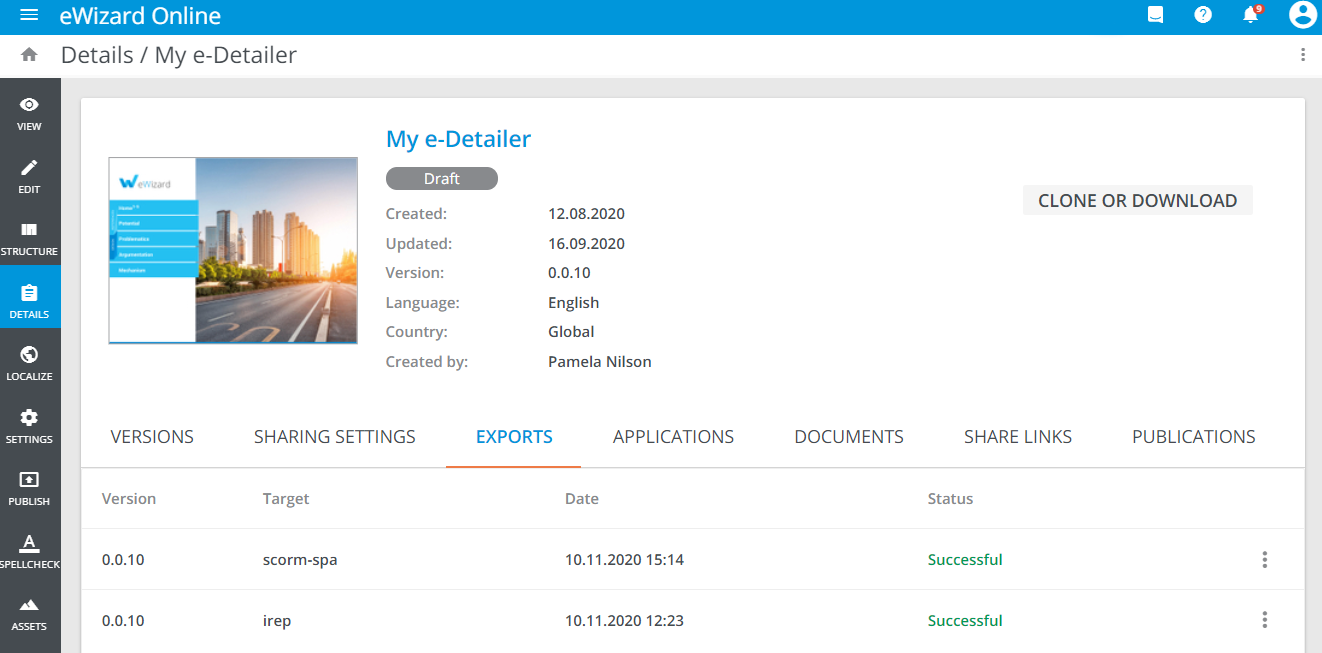
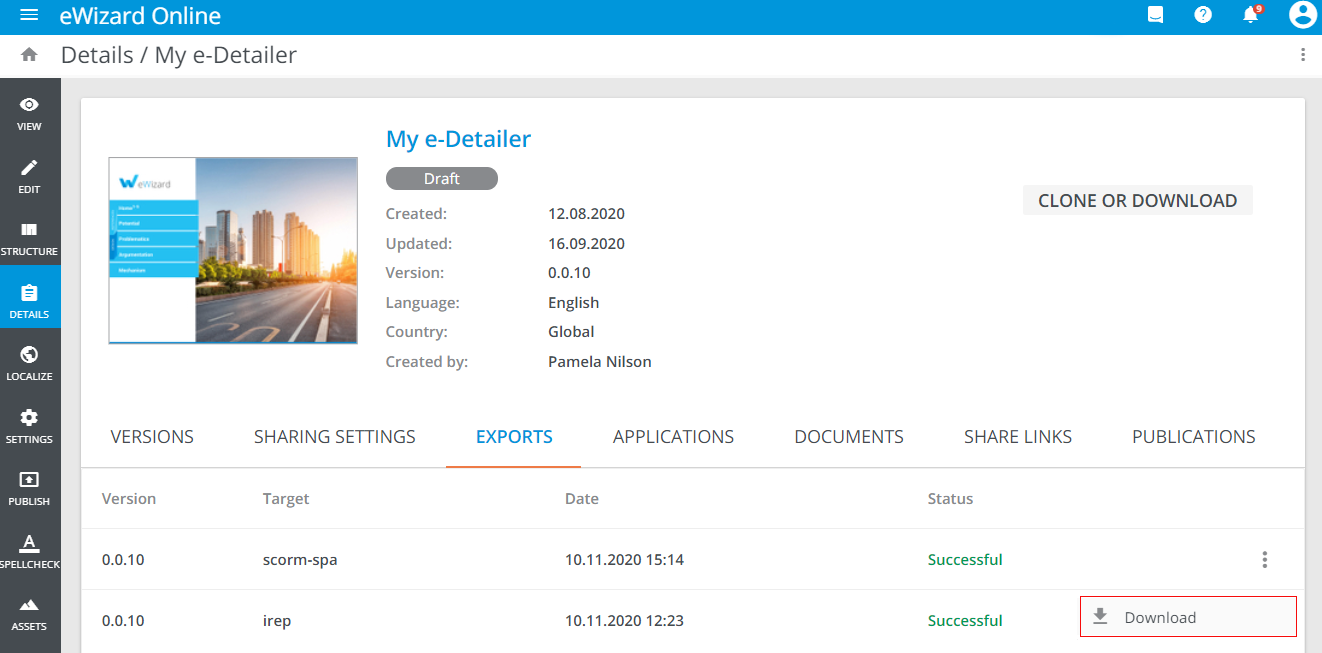
Here all e-Detailer exports are displayed, and you can download any successful build in the ZIP archive format. To do this:
Unfold more options of the required build.
Click
Download:
Also, export history is available within Publish manager. To view this and download the required build:
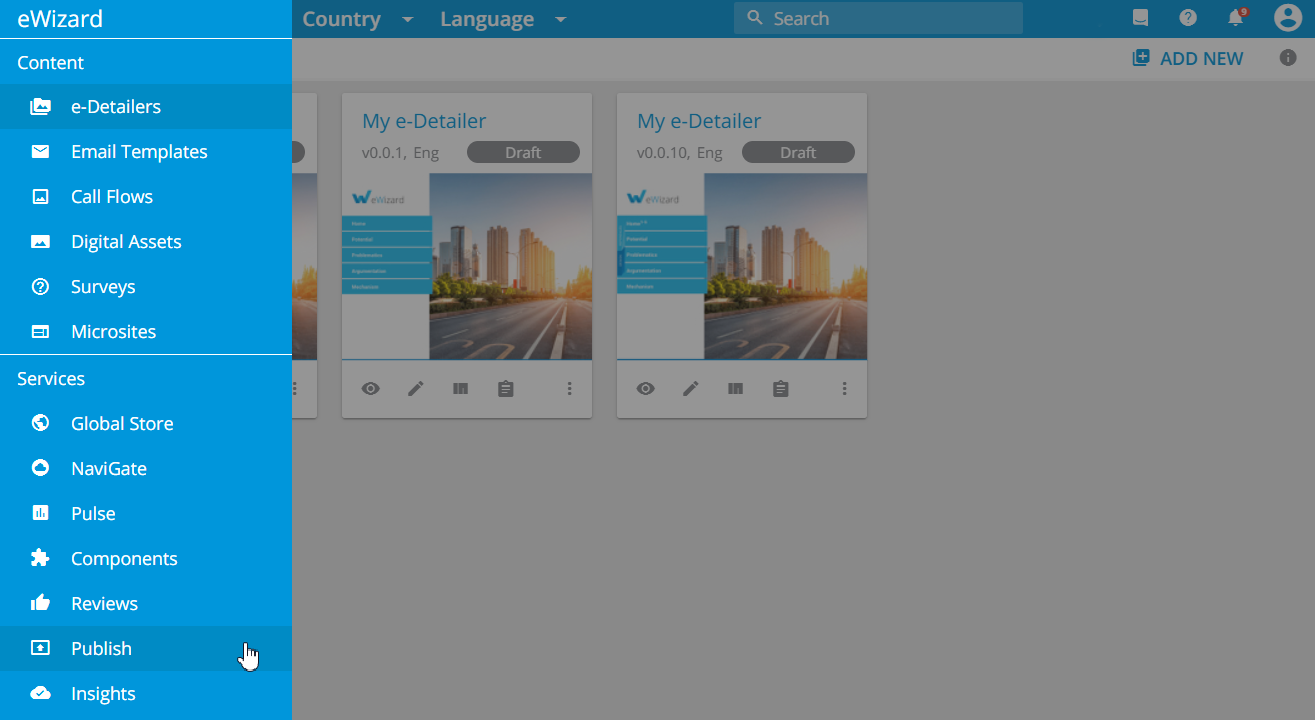
Unfold the eWizard main menu.
Select
Publish:
Go to the
EXPORTtab.Click
Download:
