Appearance
Upload from
You can upload an existing email from your device or Veeva Vault. For this:
Click ADD NEW in the top right corner of
My library.Select
Upload From.
The Upload from pop-up appears.
- Select the upload source on the left:
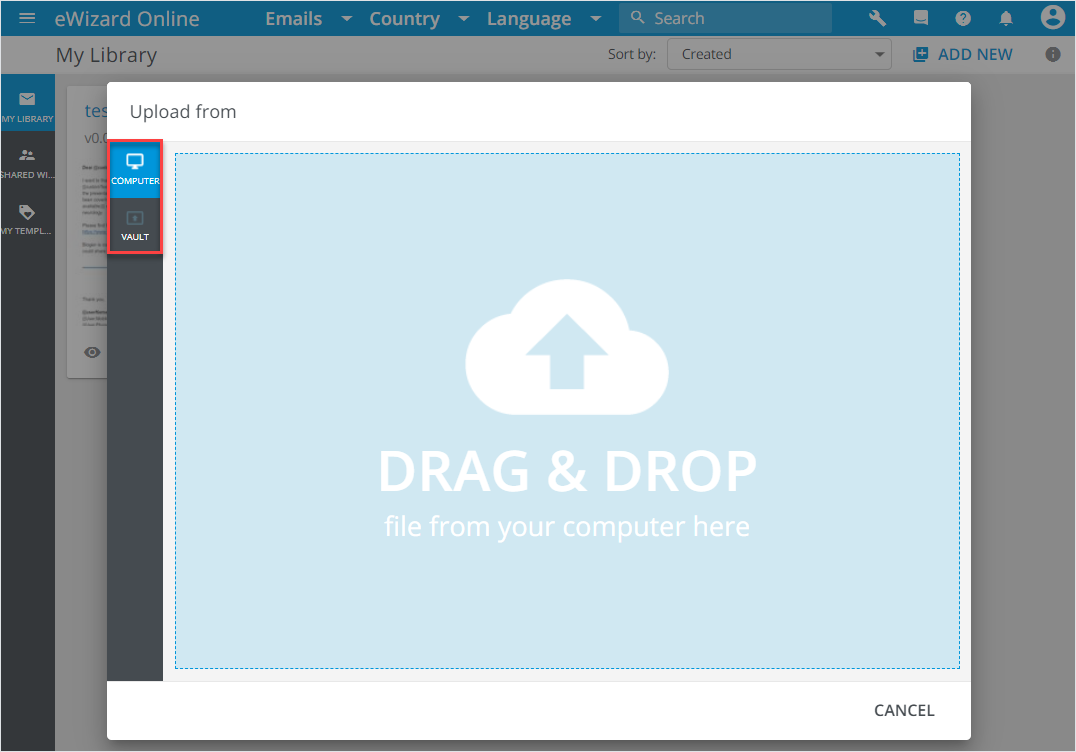
COMPUTER: Drag the required file to the pop-up or click it once to open the file explorer.VAULT: Sign in to your Veeva Vault account, then select the required email from the list.
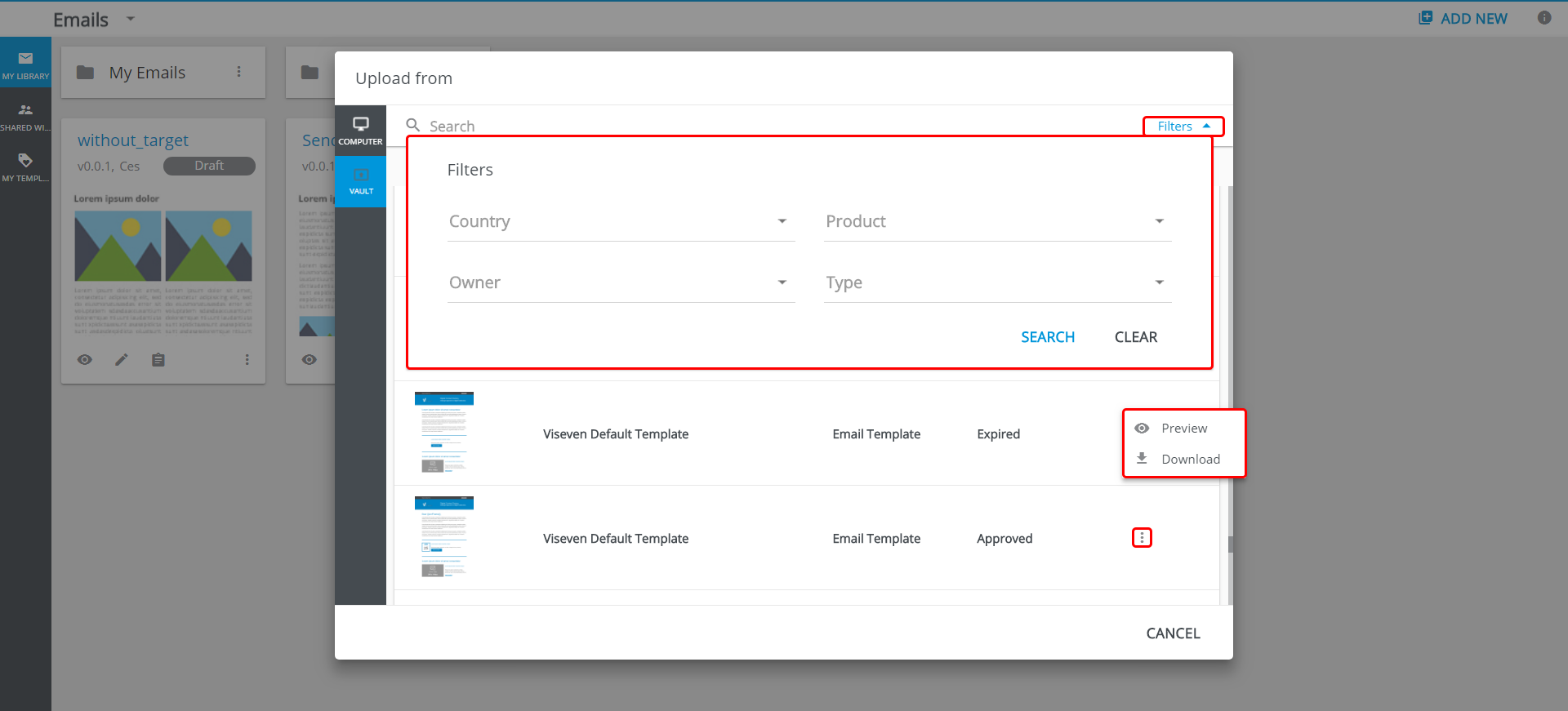
For VAULT, use search to find the required email. To Preview or Download the email, unfold its more options.