Appearance
Adding hot slides
To add Hot Slides to your call flow:
- Click
 at the thumbnail of the slide.
The Add slides popup opens.
Drag and drop the required slide from the left part of the popup to the right one.
Click
ADD.
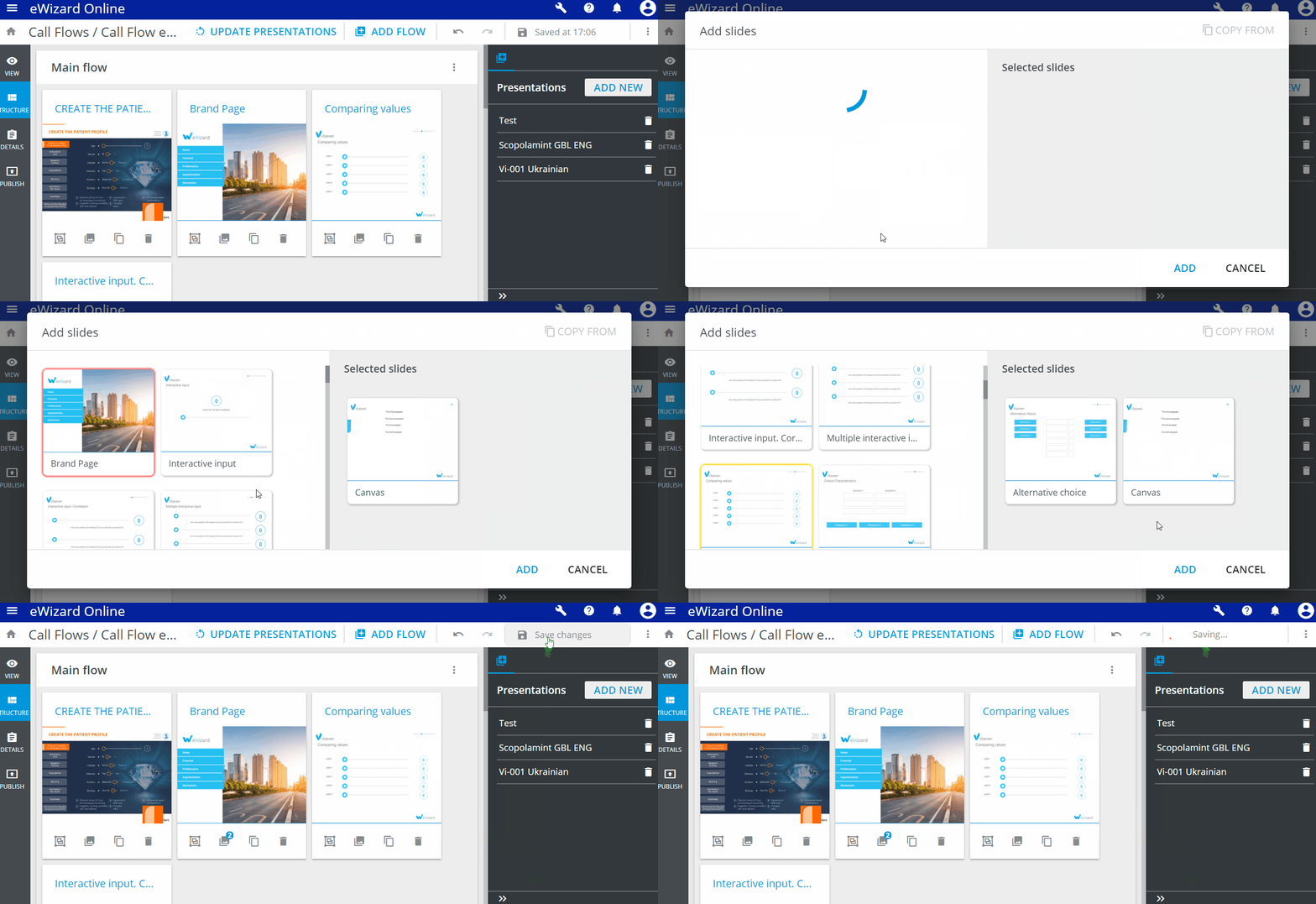
To remove slides from Hot slides, drag them back to the left section of the popup.
Note that the slides that were added to the call flow are highlighted in yellow, and the slide you are adding the hot slides to is highlighted in red. You can't add the slides used in your call flow to the Hot slides.
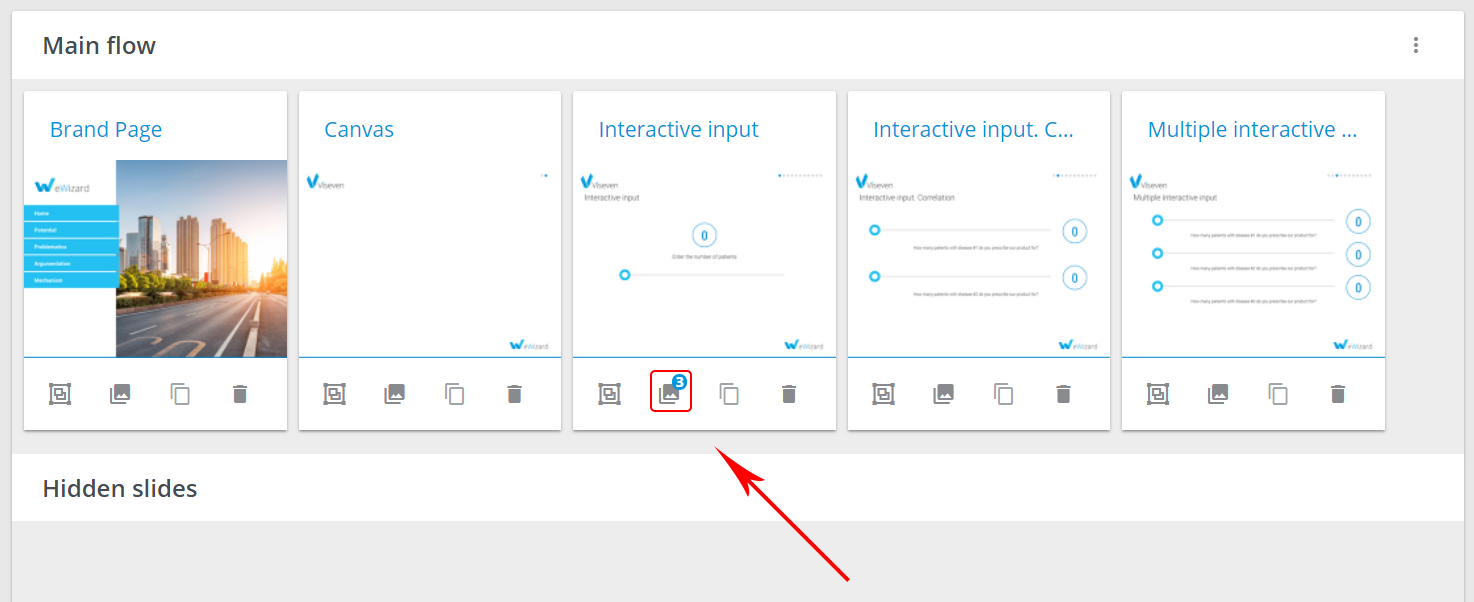
Once the hot slides are added, you see the indication with the amount of them attached to the slide:
You can't make the slides you have added to Hot slides hidden. If you add hidden slides to Hot slides, they are removed from Hidden slides automatically.