Appearance
NaviGate
You can publish your emails to NaviGate.
Check your email status before publishing. The status must be Reviewed.
To publish your email, do the following:
- Choose
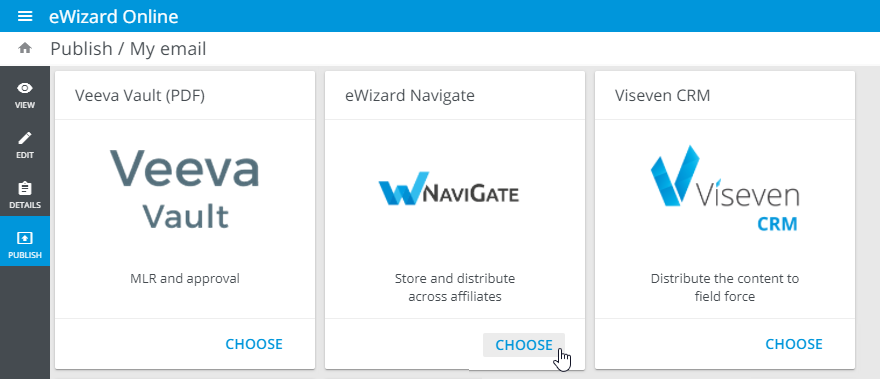
eWizard NaviGateas the target system:
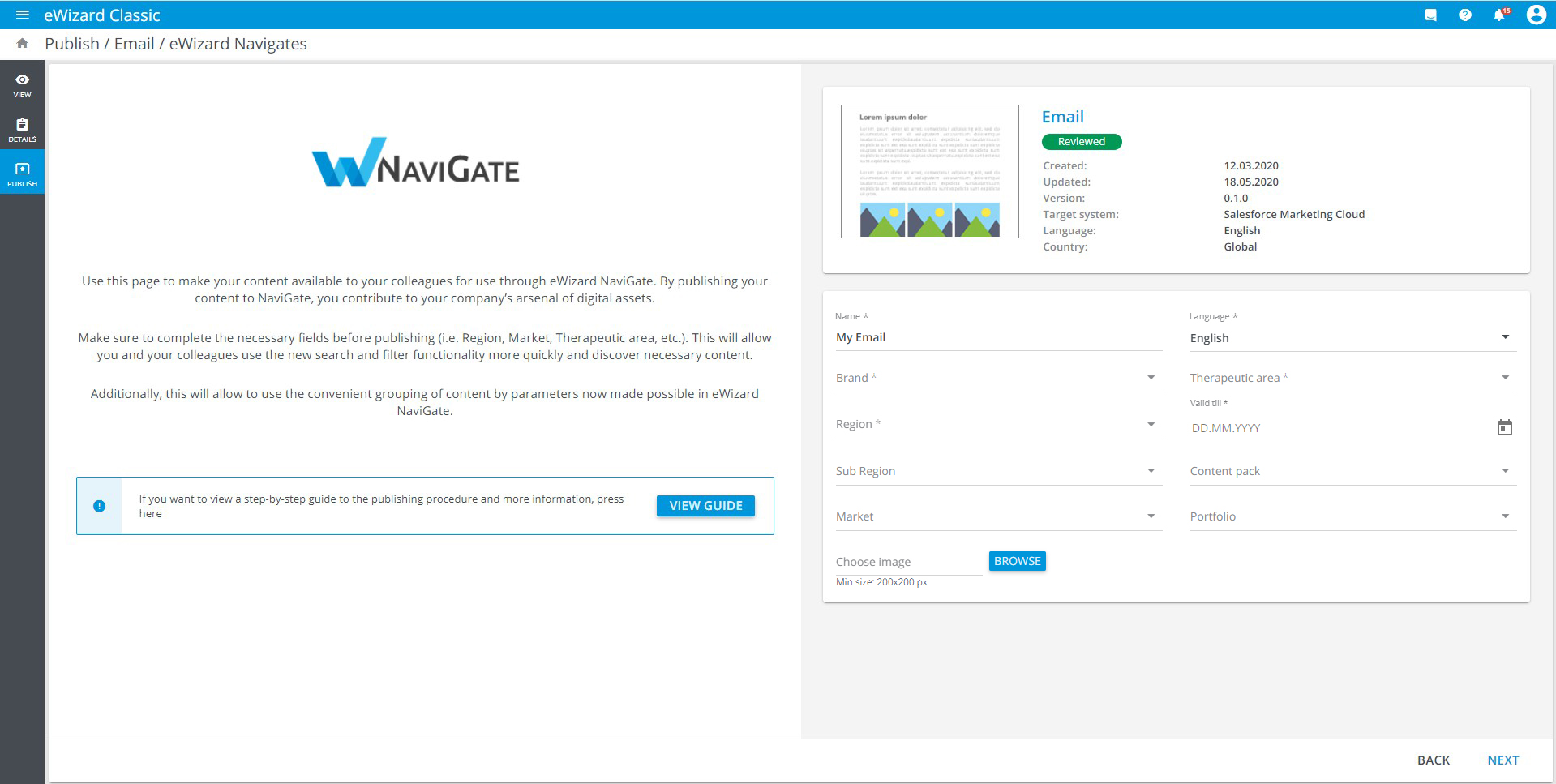
- Fill in the required fields in the eWizard NaviGate Publish form. On this step, you can also upload a cover image for your item:
You can select multiple values for the Brand and Therapeutic area fields. Also, you can set the Content pack field according to the brand.
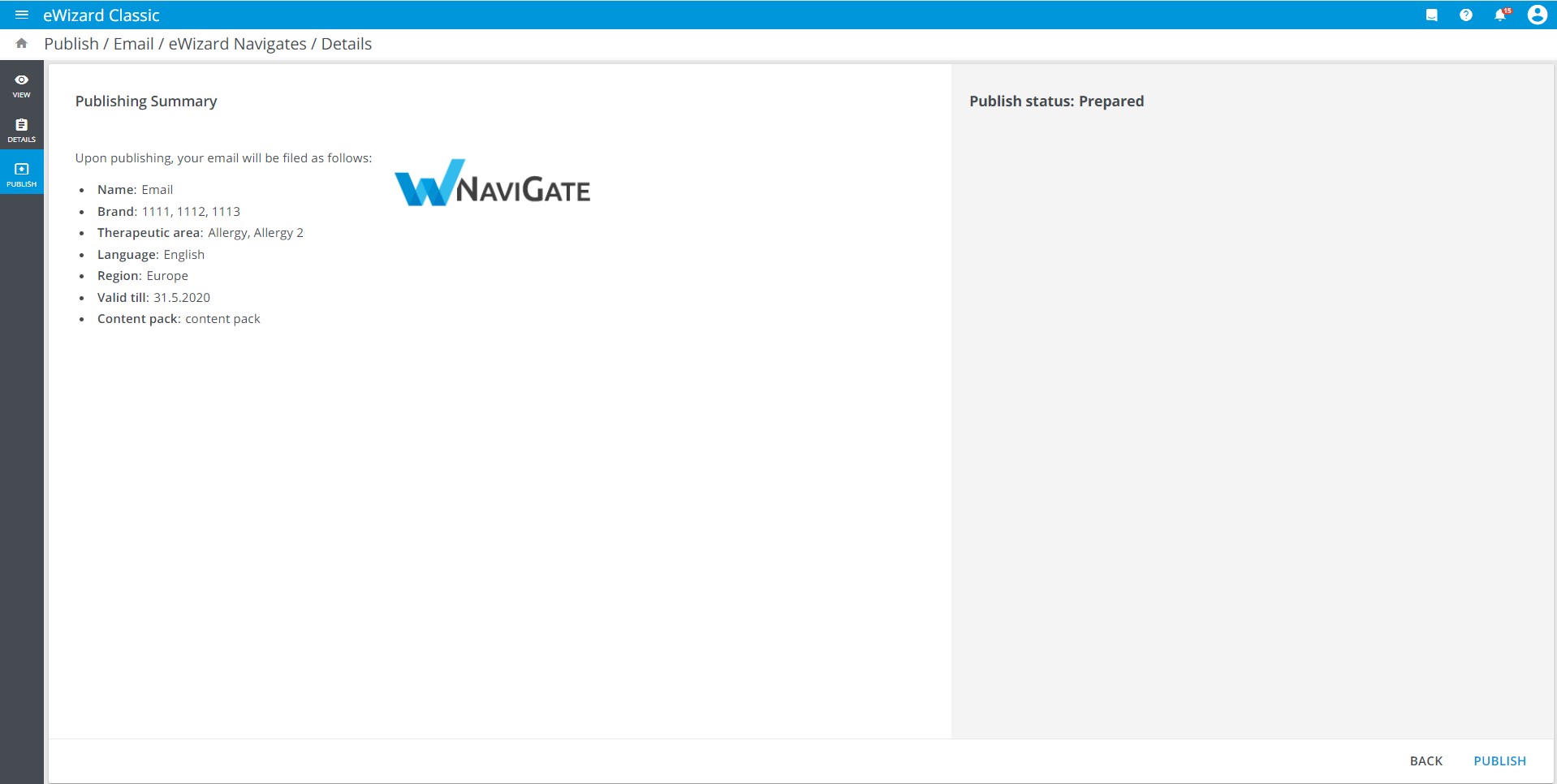
Check the details of the item you are publishing and click
Next.Click
PUBLISH:
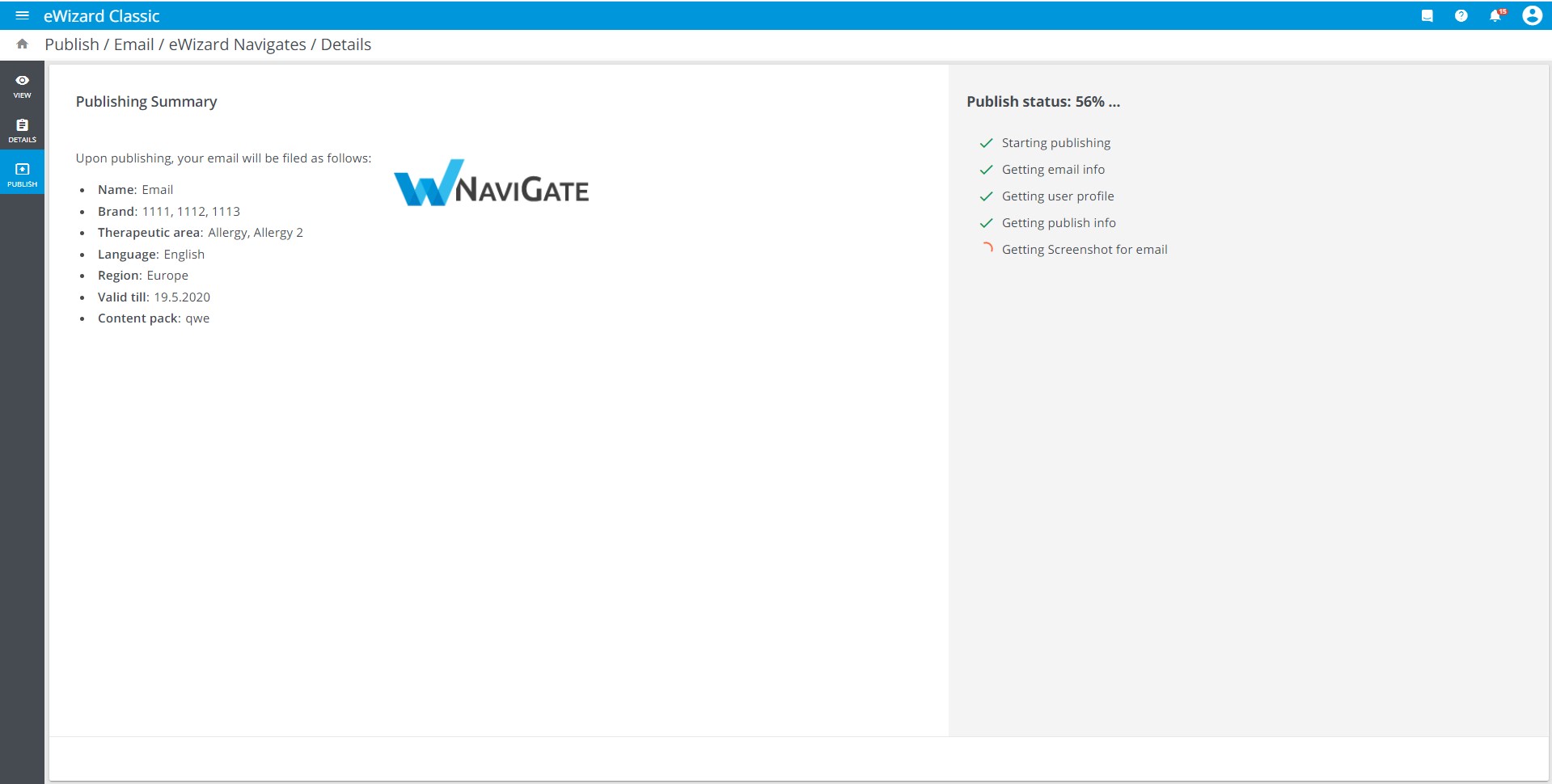
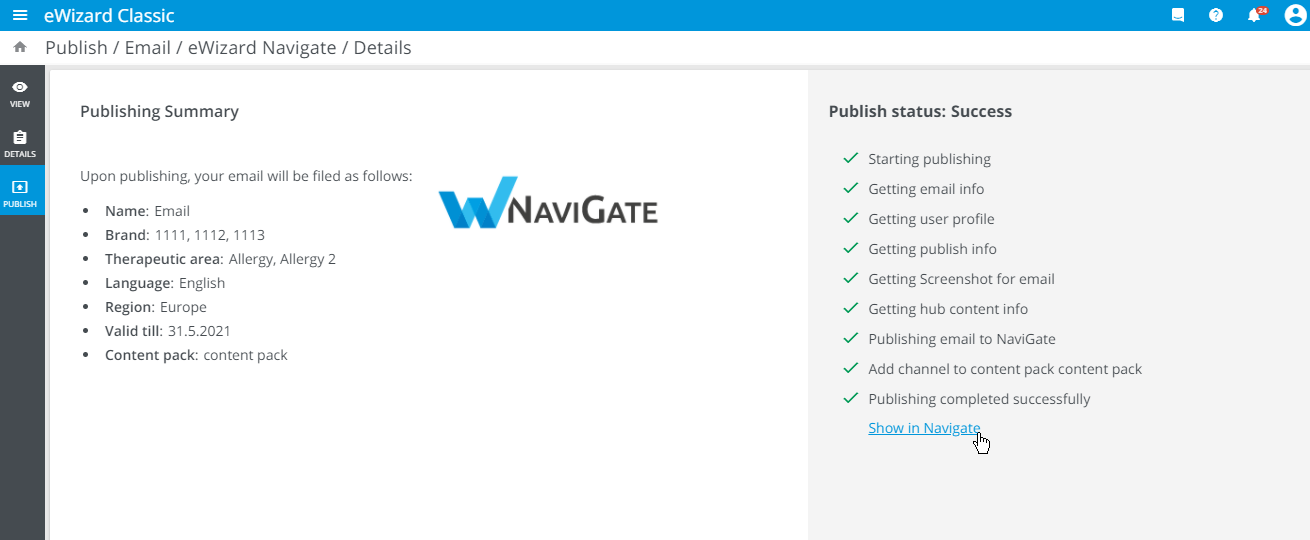
- The publishing progress is displayed step by step:
- After the publishing process is complete, you receive the result message. Click the link to view the published email in NaviGate (for successful publication):
As a follow-up to each publication, a notification is sent to your email address.