Appearance
Salesforce Marketing Cloud
To publish the item to Salesforce Marketing Cloud (SFMC), perform the first steps and proceed to the following:
- Choose
Marketing Cloudon the target system selection page:
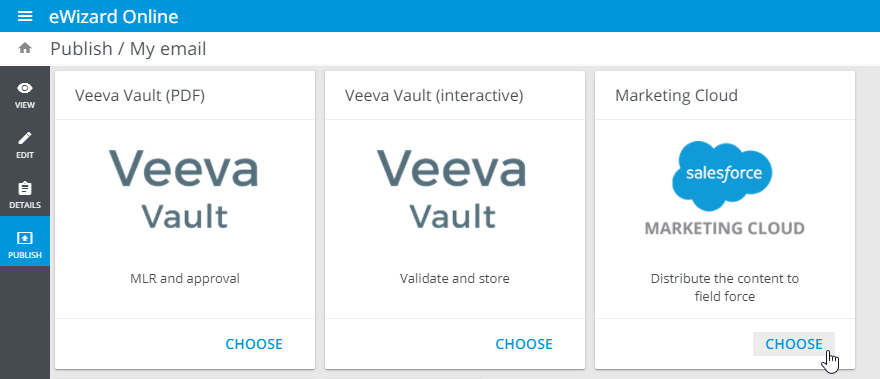
- In the popup that appears, select the required Veeva Vault instance. Then, log in to your Veeva Vault account and select the environment.
The publishing preparation page opens.
It's recommended to publish the email and its associated modules, if any, as PDF for approval first and then proceed with the interactive publication.
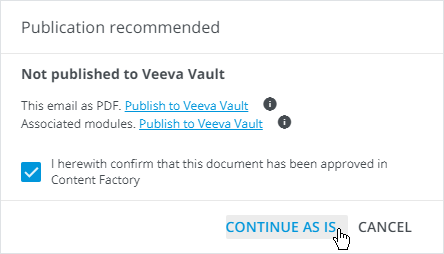
- In the popup that appears:
Select the confirmation checkbox that the item is approved.
Follow the links in the popup that appears to publish the email and its associated modules as a PDF for approval, if it hasn't been done previously.
- Click
CONTINUE AS IS:
- Fill in the metadata fields and click
NEXT:
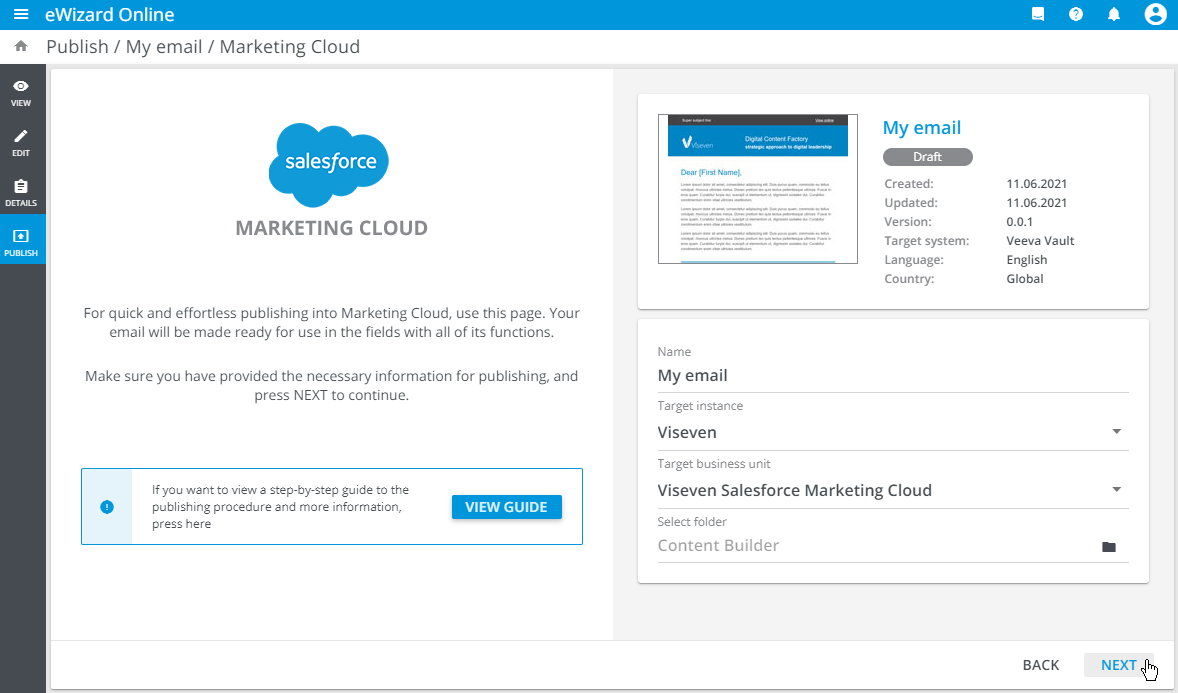
Target instance: Select the Salesforce instance (server) used in your company. OneTarget instancecan contain several business units.Target business unit: Select your Marketing Cloud business unit.Folder: Select the target directory for your published email from the list of folders that your business unit owns.
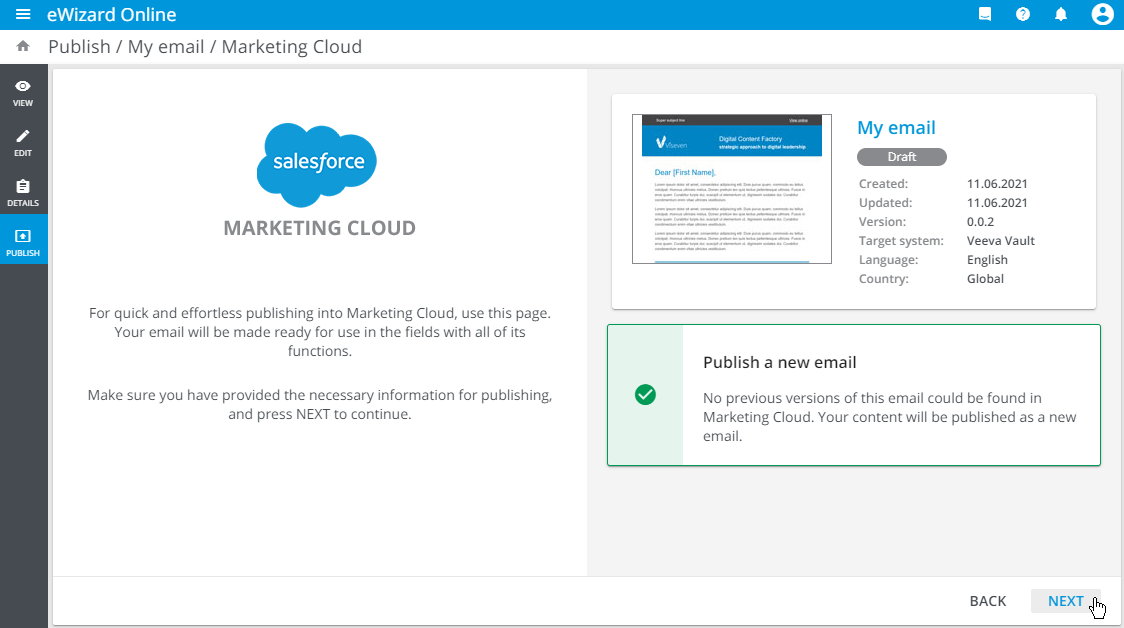
The system checks and notifies you if the email is published as new or as an update to the previously published item.
- Click
NEXT:
- Check the publishing summary and click
PUBLISH:
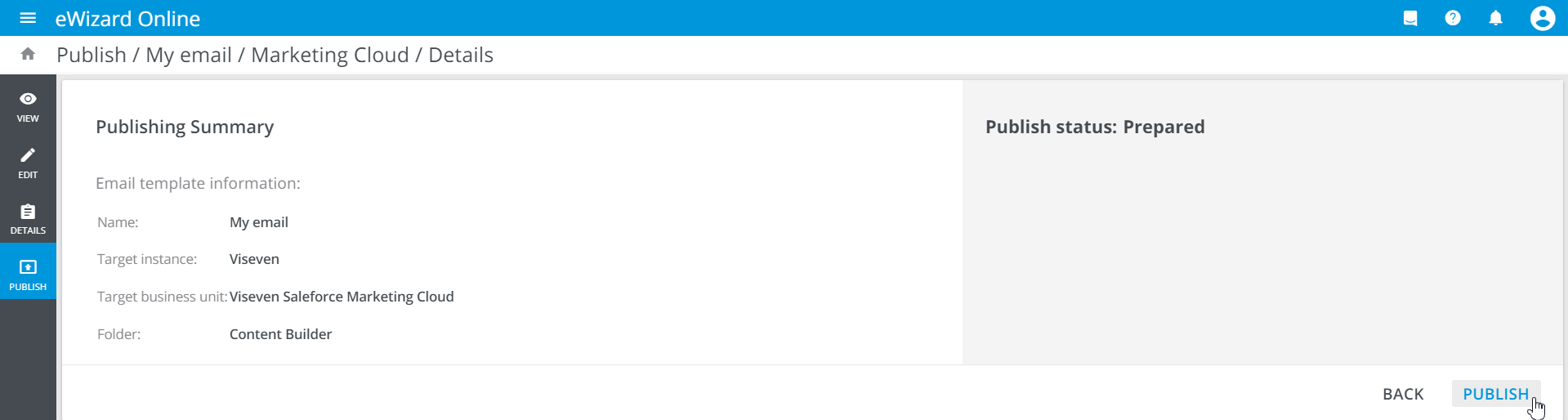
Upon successful publication, follow the link to the published item in the follow-up notification email.
Also, you can view the publication details of the required item under the PUBLICATIONS tab of its Details:
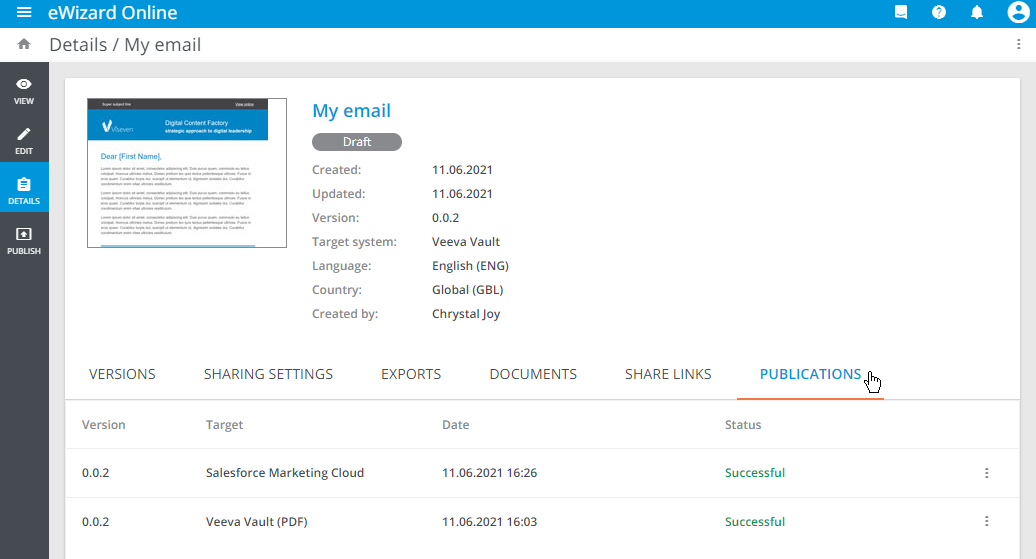
You can use Veeva Vault modules in your email. These modules' IDs and the email document number are preserved in Veeva Vault and sent to Salesforce Marketing Cloud after the publication. So you can track the module relevance in Veeva Vault from Salesforce Marketing Cloud.