Appearance
Create a new e-Detailer
eWizard allows for e-Detailers creation either based on a template or from scratch.
To create an e-Detailer:
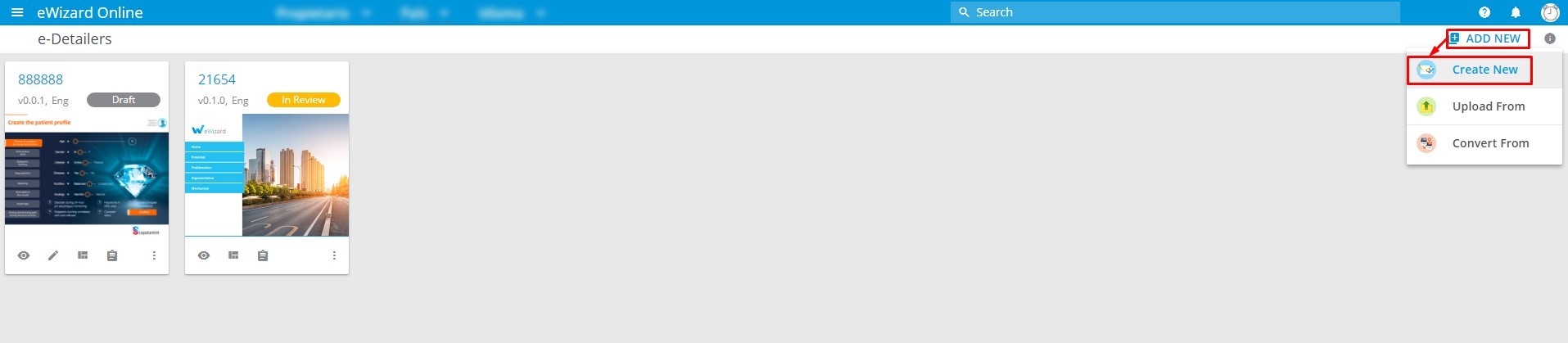
Go to
e-Detailersmain page.Open the
Add newmenu.Choose
Create new.
- Select a required template. To preview the template, click
 on the card.
If you want your e-Detailer to be based on a template, check the Keep slides from the original presentation box. To create a blank e-Detailer, uncheck this box.
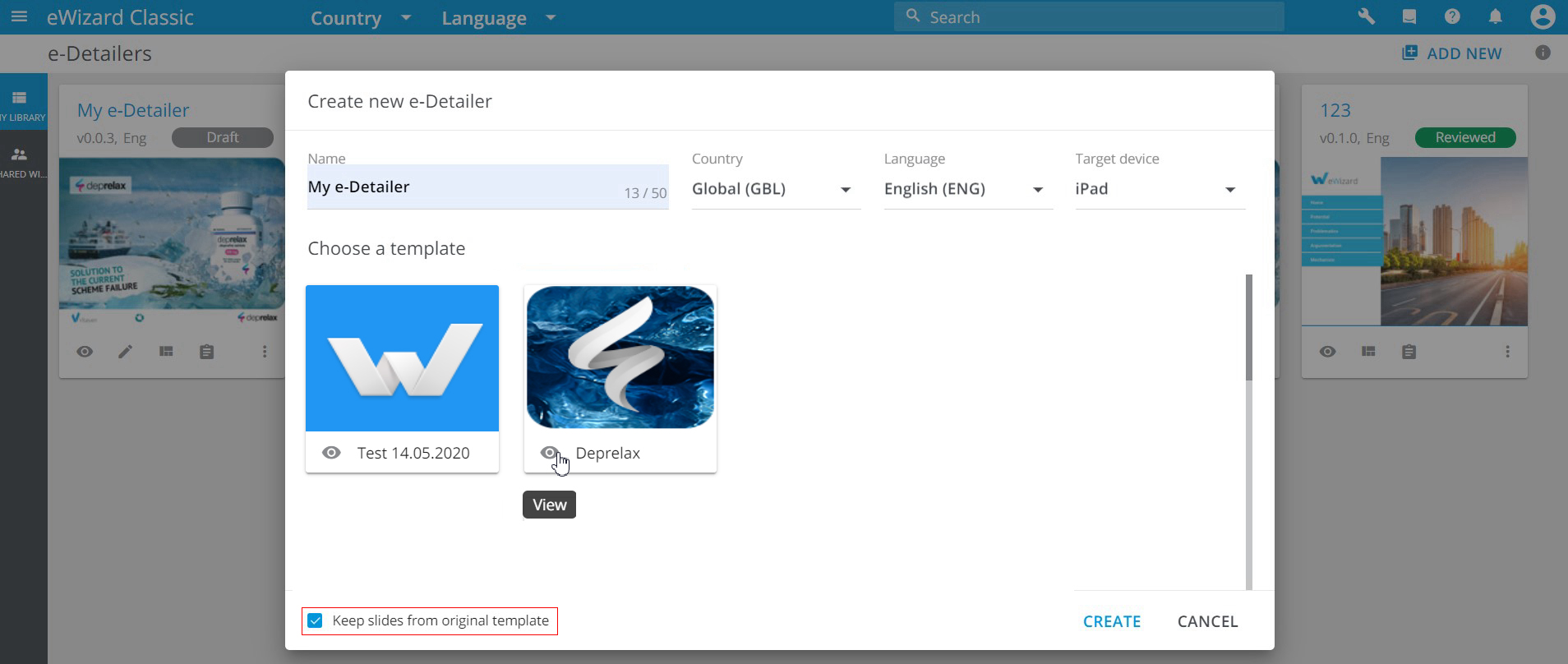
Enter the name for your new e-Detailer.
Fill in its metadata:
Country,Language, andTarget device.Click
Create.
Your new e-Detailer appears in eWizard Library.