Appearance
Key messages
Key message is a data structure object aimed at storing the presentation settings and KPI transfer. Key message can consist of several values or of other key messages. Each key message value has its name and value. The key message values can be aggregated from other key messages as well.
Different CLMs have different settings. eWizard presentation Settings tools allow you to configure the presentation for transferring KPI to any CLM. It can be done by creating key messages which will bind the slide or chapter fields to the appropriate format for the CLM.
To make a key message binding, you have to create an appropriate key message itself. The key message name must correspond to the CLM field name. Add a value (in the presentation field) you want to transfer to CLM:
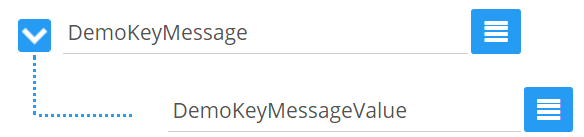
Consider iRep key messages scheme:
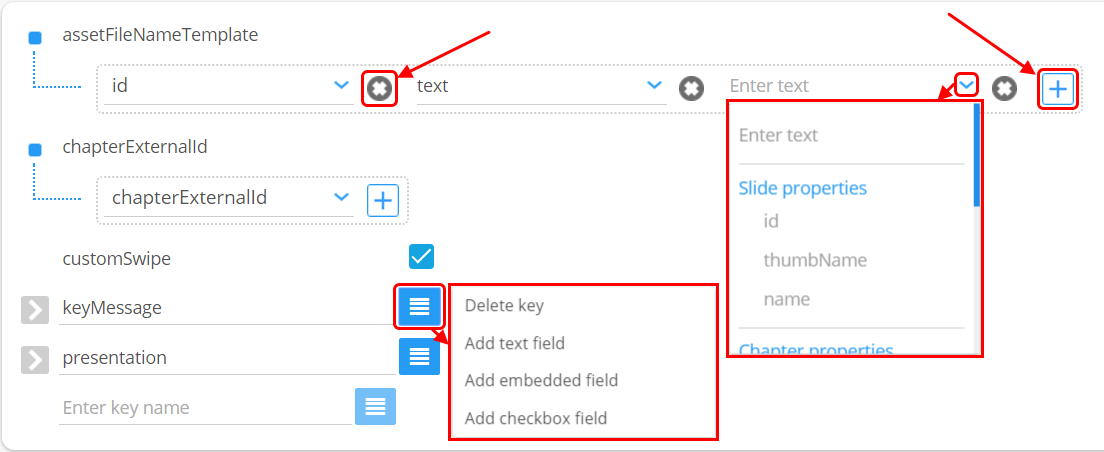
 removes the selected element.
 adds a new element.
 adds/deletes the entire field.
AssetFileNameTemplate is one of the pre-generated key messages used for slides archive name generating in the presentation build for CLM upload.
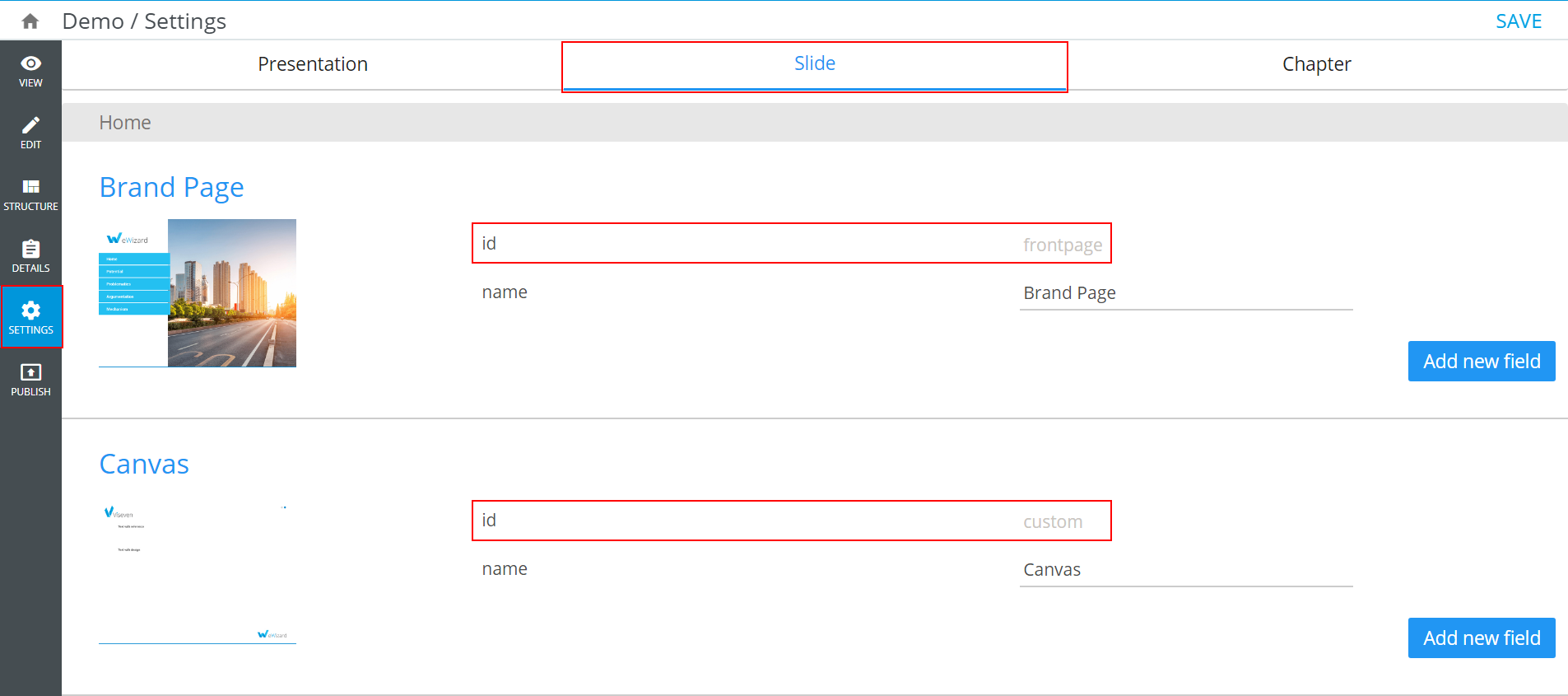
The slides id values are used as default assetFileNameTemplate values. They are unique and can be viewed on the Slide tab of the presentation Settings; however, they can't be edited:
To avoid the duplicated value error, change certain slide IDs or change slide archive name generation template on the Presentation tab:
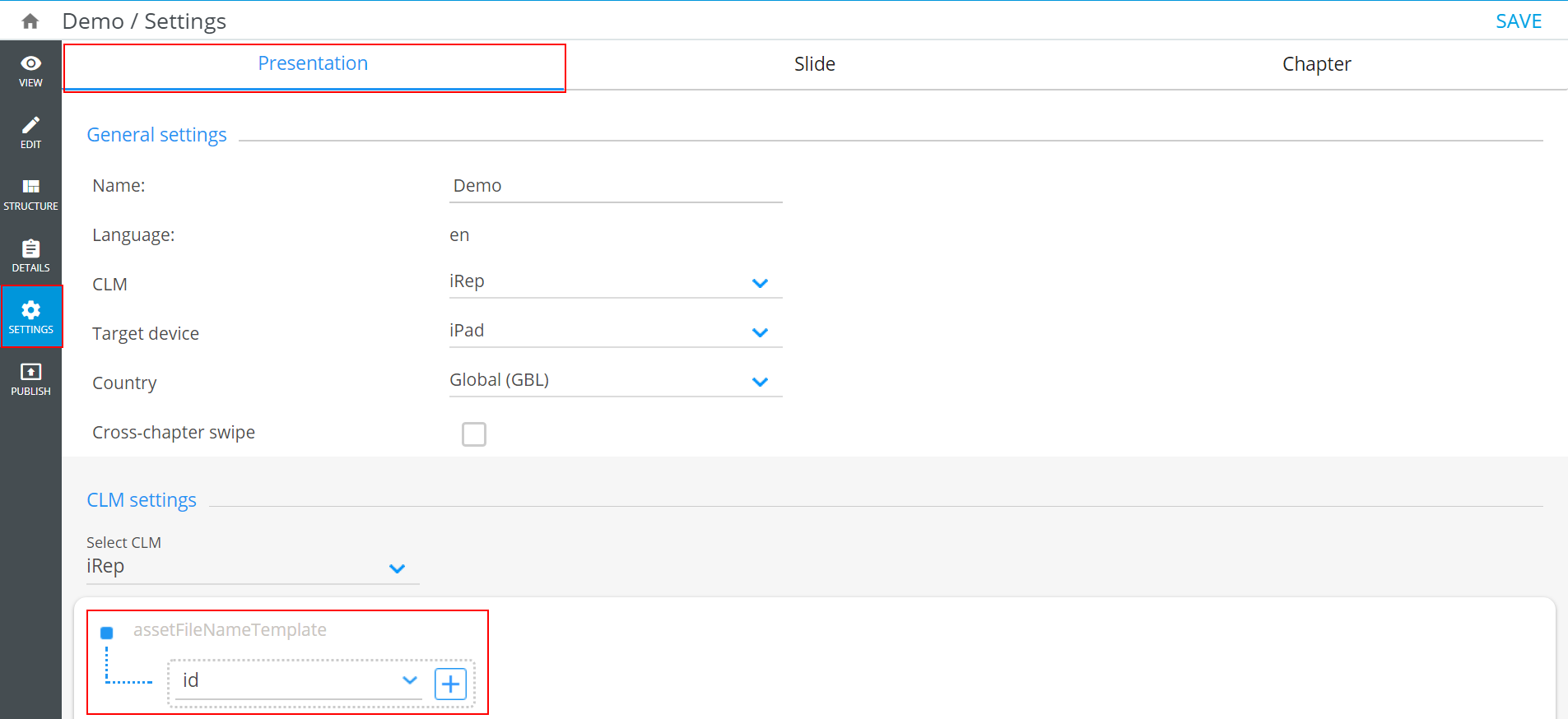
Consider the following example.
Before editing (default value): 
We strongly recommend using the following template (custom value):

The user_name and _DateTime_ are manually entered user name and date (with time), and id stands for the ID of slides.
We strongly recommend setting the presentations assetFileNameTemplate as described in the example above. However, you may set it at your own discretion, considering that this field must be unique.
The manifest block contains the tools for adding and editing the key names. These tools are the same as for the KeyMessage Template:

Download manifest allows you to save configurations of your presentation and download them as a *.csv file. The Download manifest button is available only if there is a key name in the manifest block.