Appearance
External party localization
eWizard supports e-Detailer localization using external party tools. With them, you can export the required e-Detailer to the Excel format or send the link to this item for its localization.
The further localization process depends on the selected option.
Export and import operations
To start localization in this way, follow the steps below:
Click
Export.Select the localization file type in the dropdown: or .
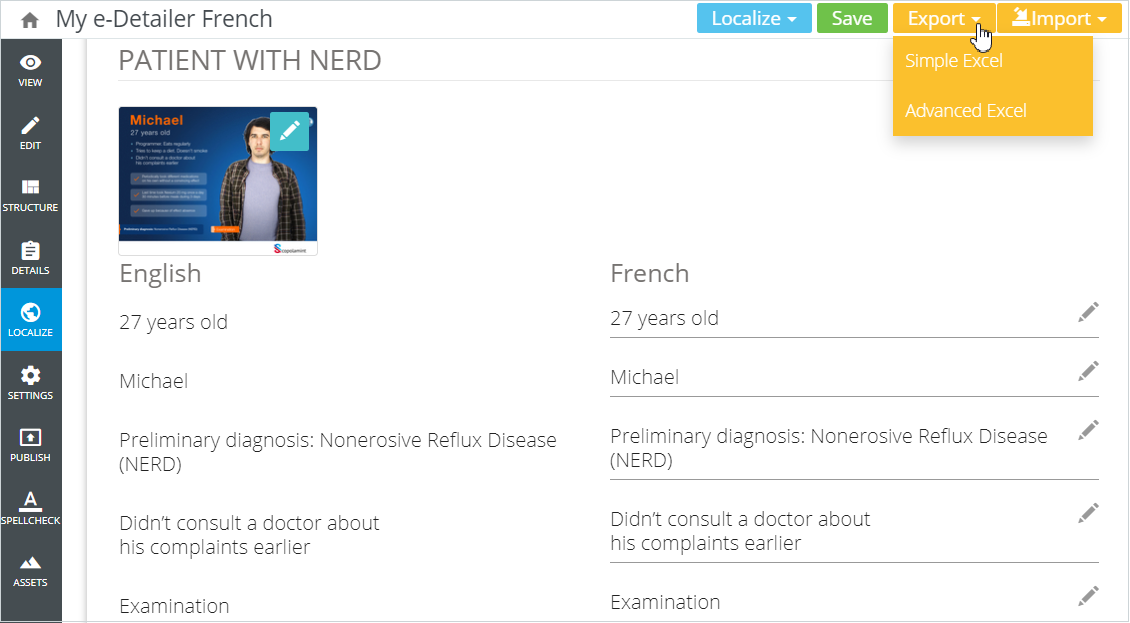
To keep the original styles in your localized e-Detailer, select the Advanced Excel option.
- Open the file exported to your device and add localization:
Simple Excelcontains e-Detailer text lines without tags in column A. Add your localization to column B:
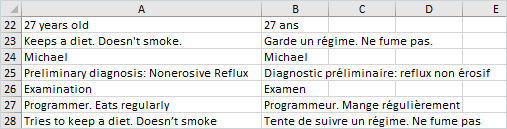
Advanced Excelcontains e-Detailer text lines grouped by slides. Find original text lines with tags in column B. Add your localization to column C:

To ensure the correctness of further import, enter your localization in the matching lines without changing the tags.
- Save changes in the localization file.
When you finish localization, upload the resulting text to your e-Detailer. For this, follow the steps below:
Click
Import.Select
Simple ExcelorAdvanced Excelin the dropdown.
The imported Excel file must be of the same type as the exported one. Otherwise, localization is not applied.
- Select the localization file on your device.
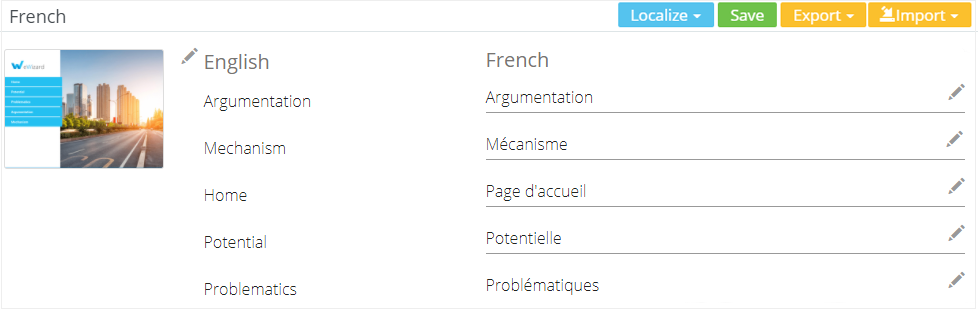
Once import is complete, find your item text localized:
Send for localization
To send the e-Detailer for localization, do the following:
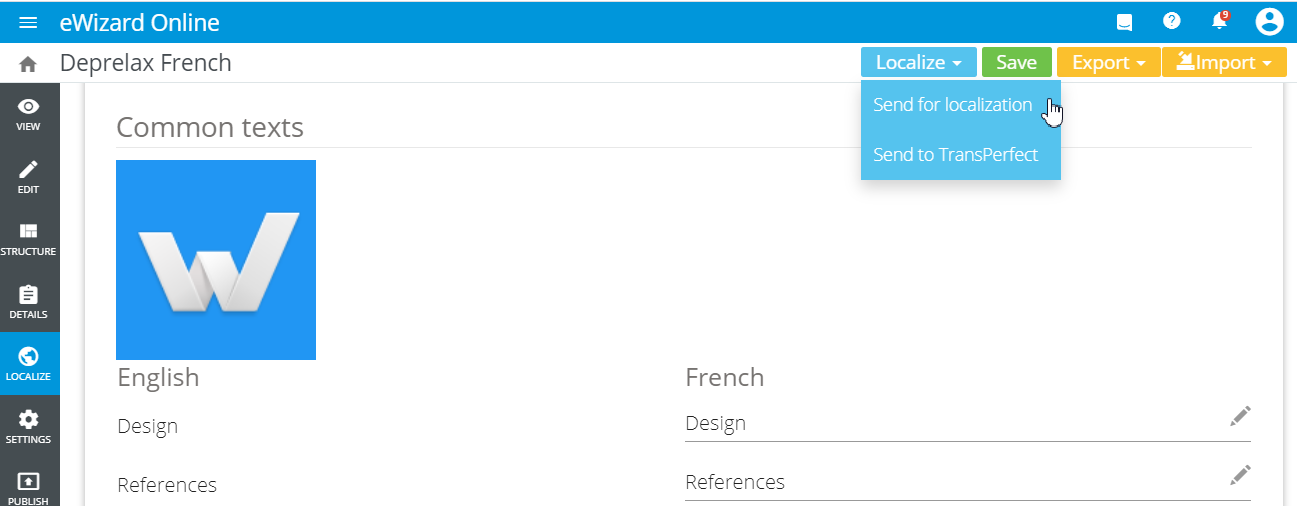
- Click
Localize→Send for localization:
Fill in the name and email address of a recipient.
Protect your link with a password and set an expiration date, if needed.
Click
Sendto generate a link to the e-Detailer:
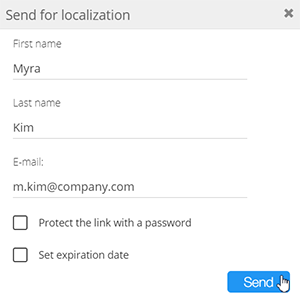
The email notification is sent to the specified email address with the link to your e-Detailer localization page.
To send back a completed localization, the recipient clicks Finish localization:
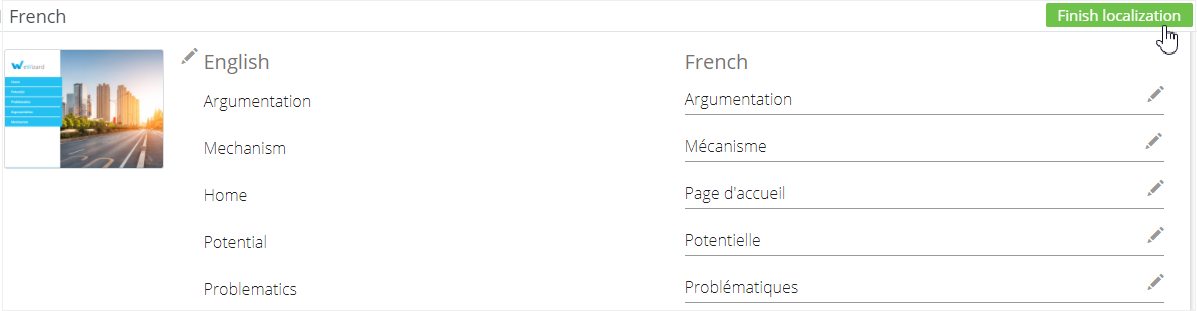
To interrupt the e-Detailer localization process, click Cancel localization in the top right corner of your e-Detailer localization page.