Appearance
Settings
The e-Detailer Settings page contains configuration tools allowing you to prepare your e-Detailer for its further upload to a selected CLM.
e-Detailer Settings are available only for Draft presentations.
To get to the e-Detailer configuration page, click Settings on the left hand panel of e-Detailer Editor:
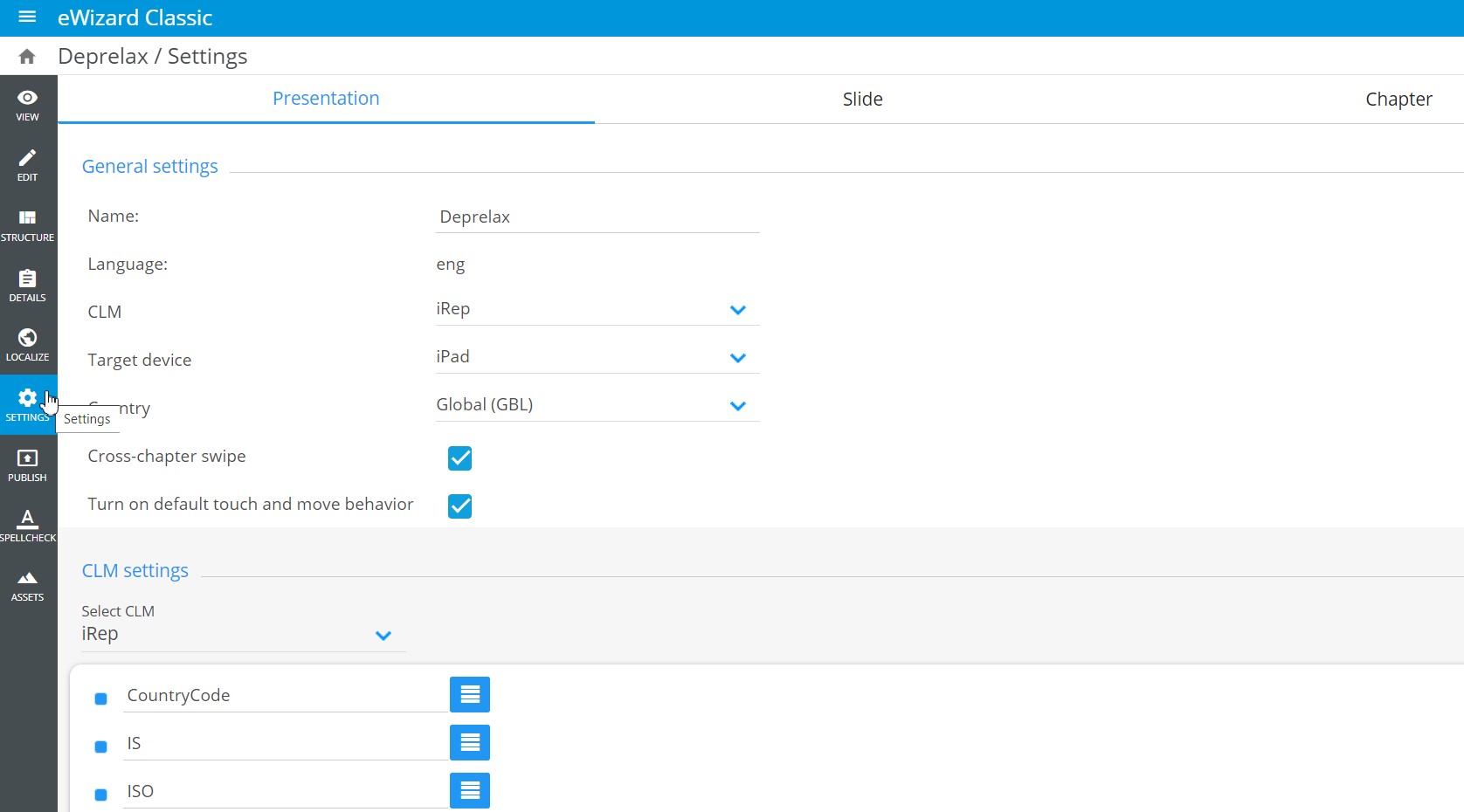
The e-Detailer settings are given on three tabs: Presentation, Slide, and Chapter.
Presentation tab
The Presentation tab comprises General settings [1] and CLM settings [2] of the given e-Detailer:
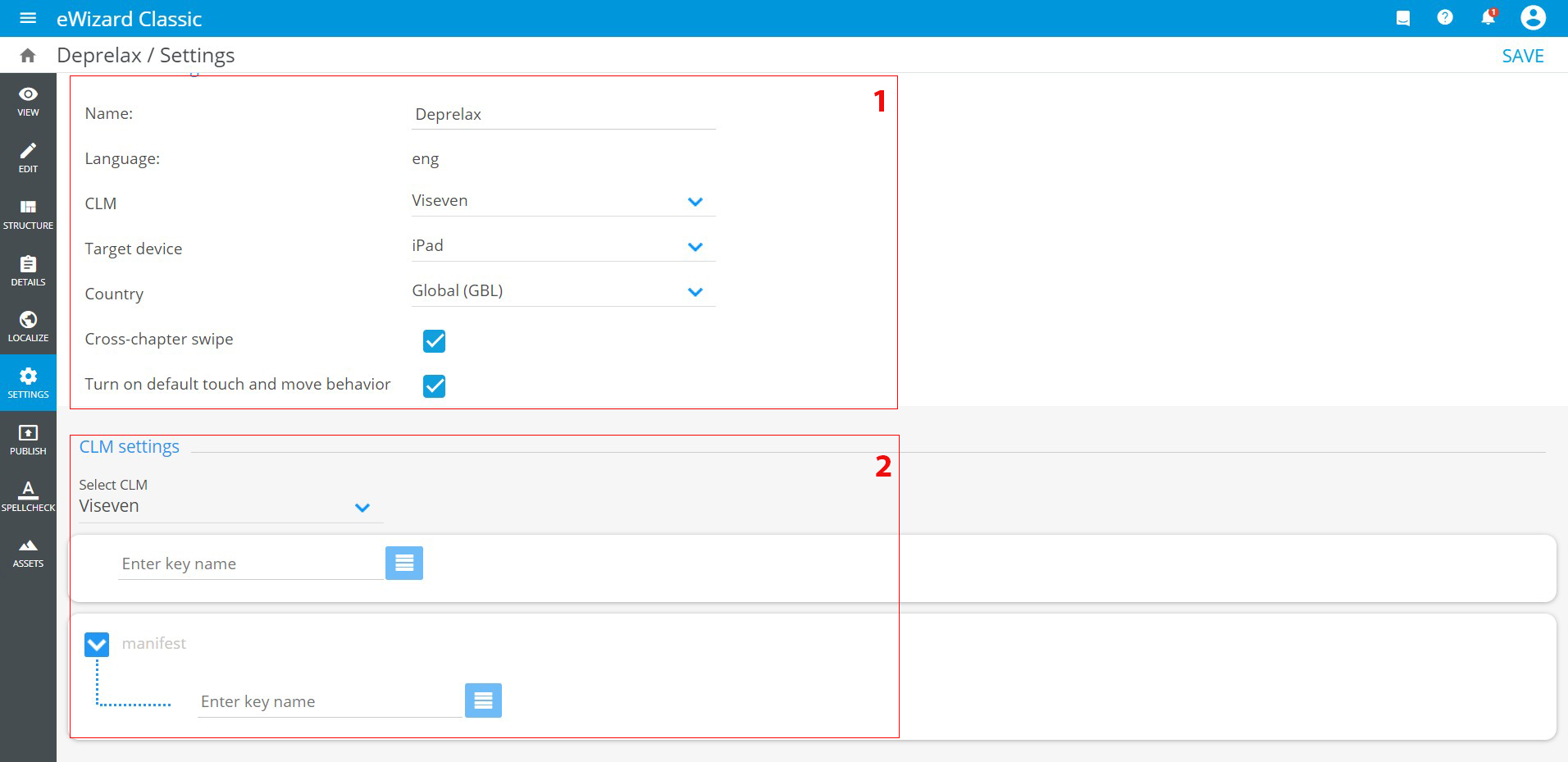
General settingscontain the following e-Detailer settings:Name– your e-Detailer name. Enter a new name in this field, if needed.Language– content language defined on the e-Detailer creation step; can't be modified.CLM– the CLM selection dropdown list. Its configuration is defined inCLM settingsand is used by default when you send your e-Detailer to a CLM.Target device– the target device selection dropdown list. Since the resolution and dimensions of the e-Detailer are based on the target device's screen characteristics, these parameters are modified according to the selectedTarget deviceoption. It can be configured via the admin panel.Country– the target country selection dropdown list.Cross-chapter swipe– the checkbox to enable/disable switching between the chapters with the swipe gesture on the chapter's first or last slide.Turn on default touch and move behavior– the checkbox to enable/disable autoscaling in Veeva Evolution.
CLM settingscontain tools for configuring the e-Detailer for CLM:Select CLM– the dropdown list of the available CLM types, which contain presets of key messages configurations. Select the desired CLM type to configure its key messages.KeyMessage template– the configuration block for key messages that can be added to the e-Detailer in accordance with the requirements.