Appearance
Chapter tab
The Chapter tab contains the settings for each individual chapter of your e-Detailer:
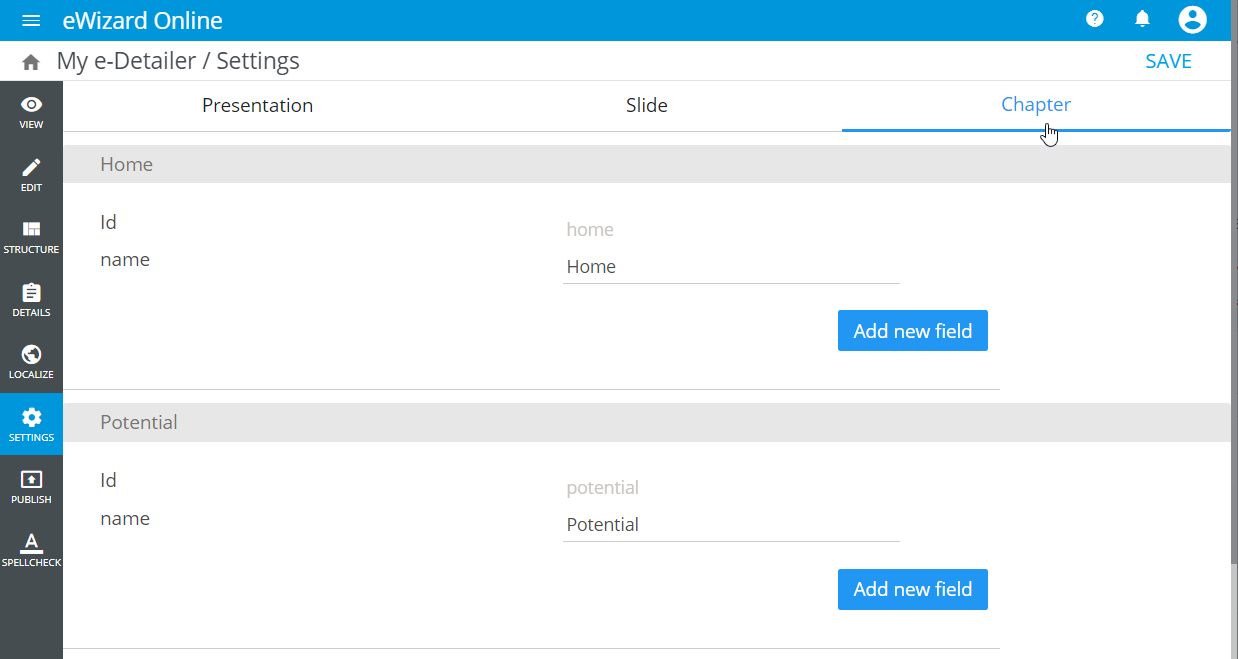
Here you can view chapters' ID and name.
Besides, you can add more key fields. For this:
Click
Add new field[1].Enter the key ID and its value [2]:
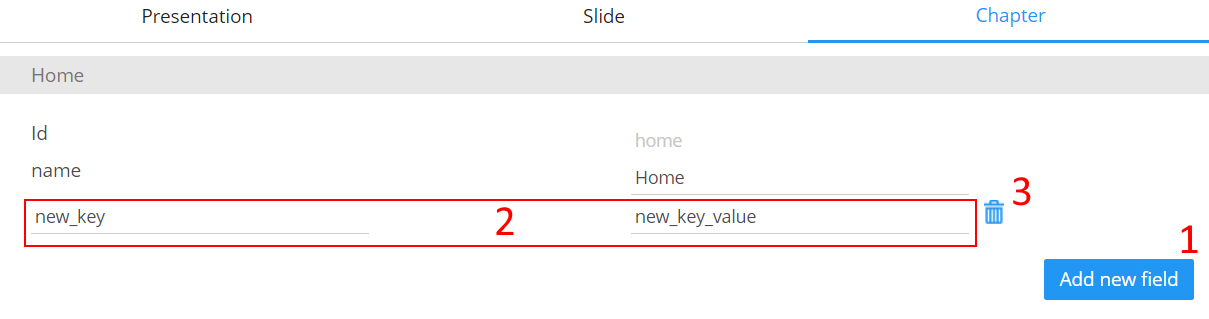
You can delete your custom key via the corresponding button [3].