Appearance
Email blocks
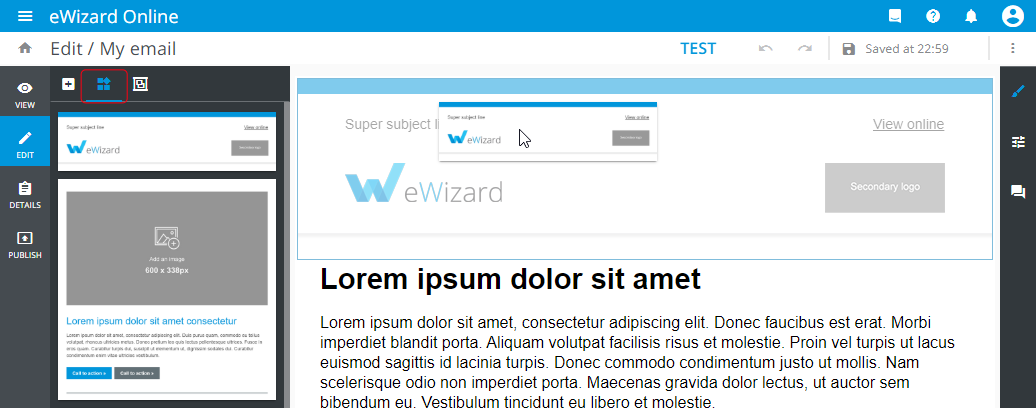
The Block is a group of components, which are tied in one container. The Blocks tab is on the email elements panel. To add a block to the email, just drag it to the layout:
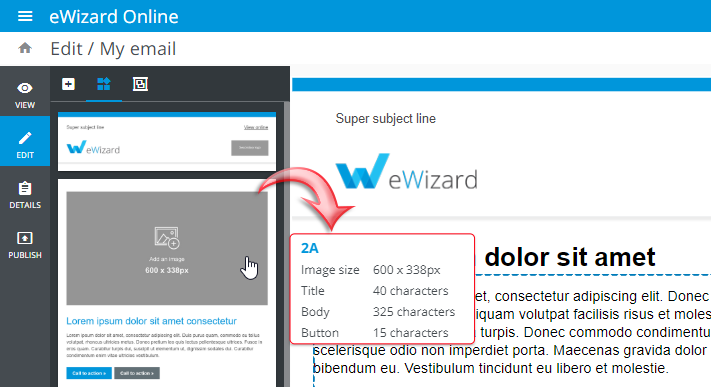
To view the block details, hover the mouse over the block's thumbnail on the elements panel. The information will appear in the pop-up to the right of the block:
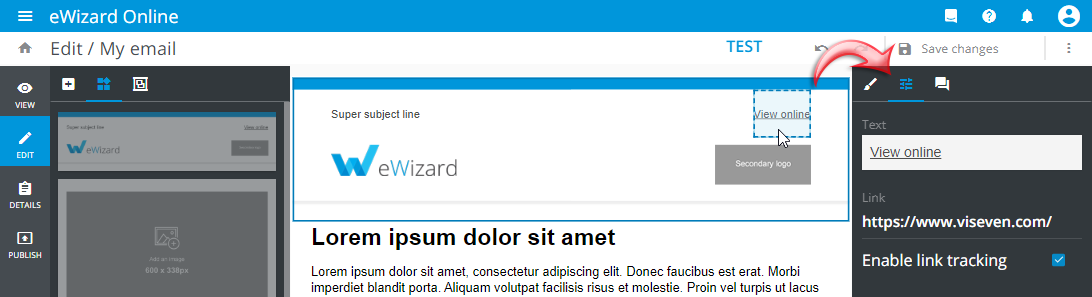
Double-click the block in the layout area to split it into the individual components. Then you can edit the properties of each component separately: