Appearance
Reviews interface
The Reviews page contains the filters and navigation panel [1] and the main area with items sent for review [2]:
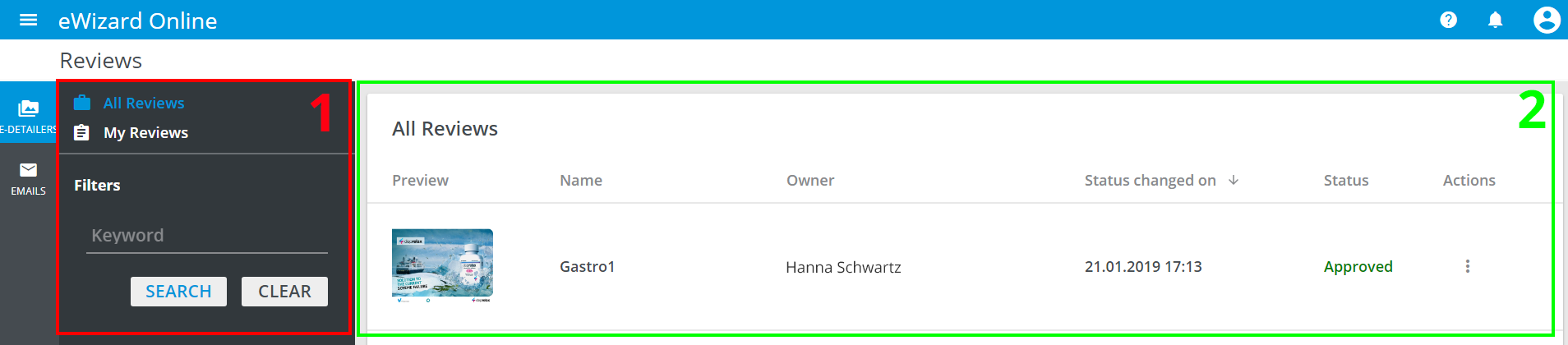
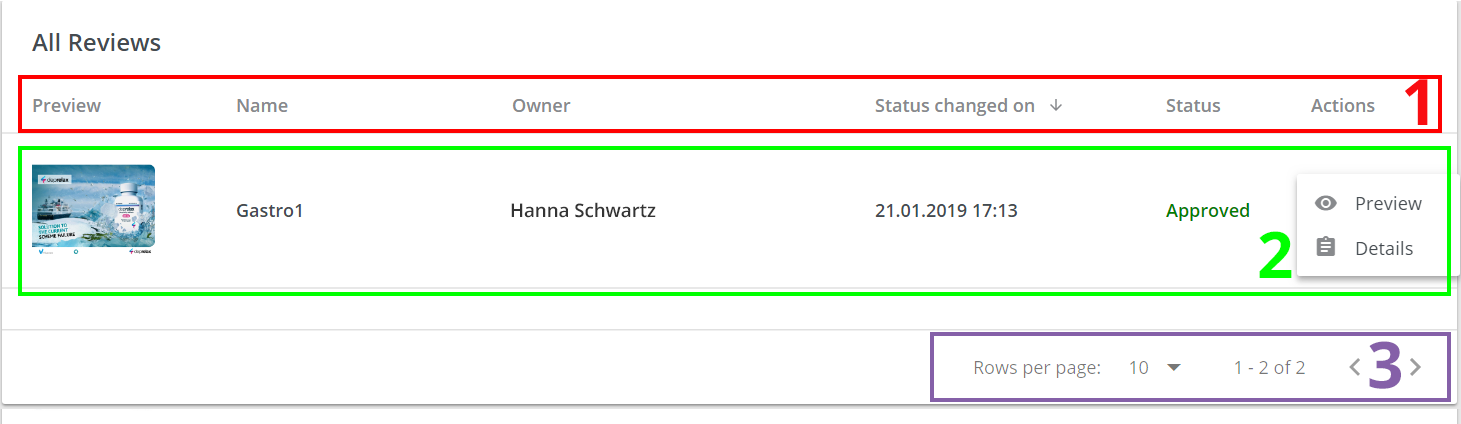
The items list contains the following elements:
- Items can be sorted by
Name, Owner, Status changed ondate and currentStatusfields. - Each item's record contains most important information for review:
Preview, item'sName, Owner, date ofStatus changed on, currentStatusandActions. To open the available actions, click in the item's row:
Preview;Details.
- The list settings (
Rows per page) and navigation arrows (previous page – <, next page – >).
You can APPROVE or DECLINE e-Detailer in the preview mode as well:

Navigation and filtering
Filters and Navigation contains the items tabs (e-Detailers and Emails).
You can filter the review items by Owner. To do so, switch between All reviews and My reviews.
Alternatively, you can search the item by the key word.
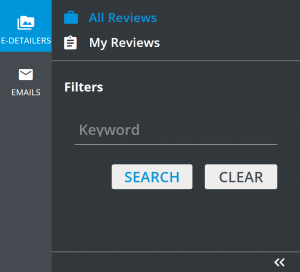
The EMAILS has additional filter – Type, which allows to filter Templates, Designs, Layouts and Fragments.