Appearance
Global Store
You can publish your e-Detailers to eWizard Store. For this:
Choose
eWizard Storeas the target system:
Fill in the required fields in the eWizard Store form.
Click
NEXT: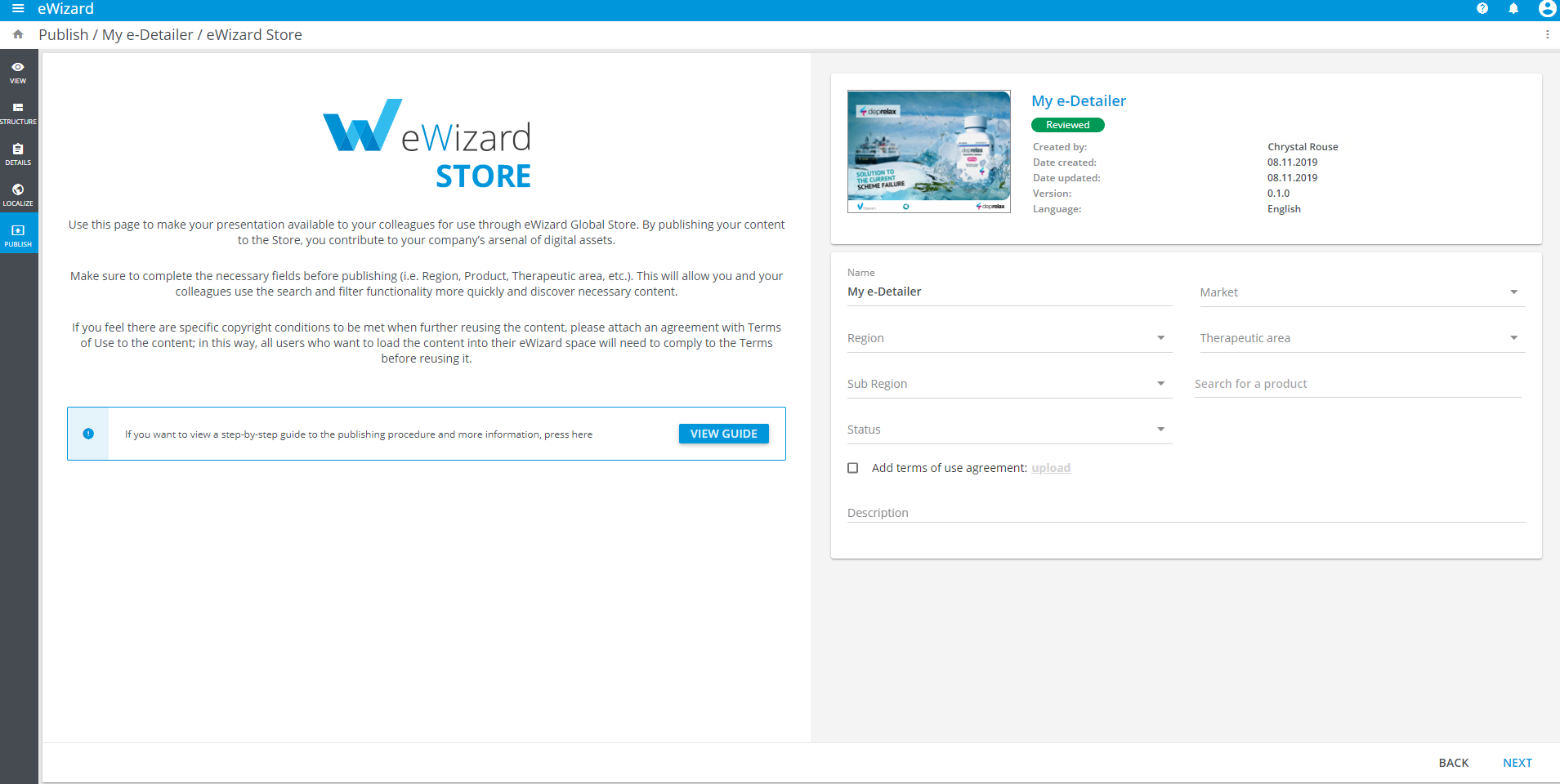
Check the details of the content you are publishing.
If necessary, click BACK and correct the details.
Click
PUBLISH: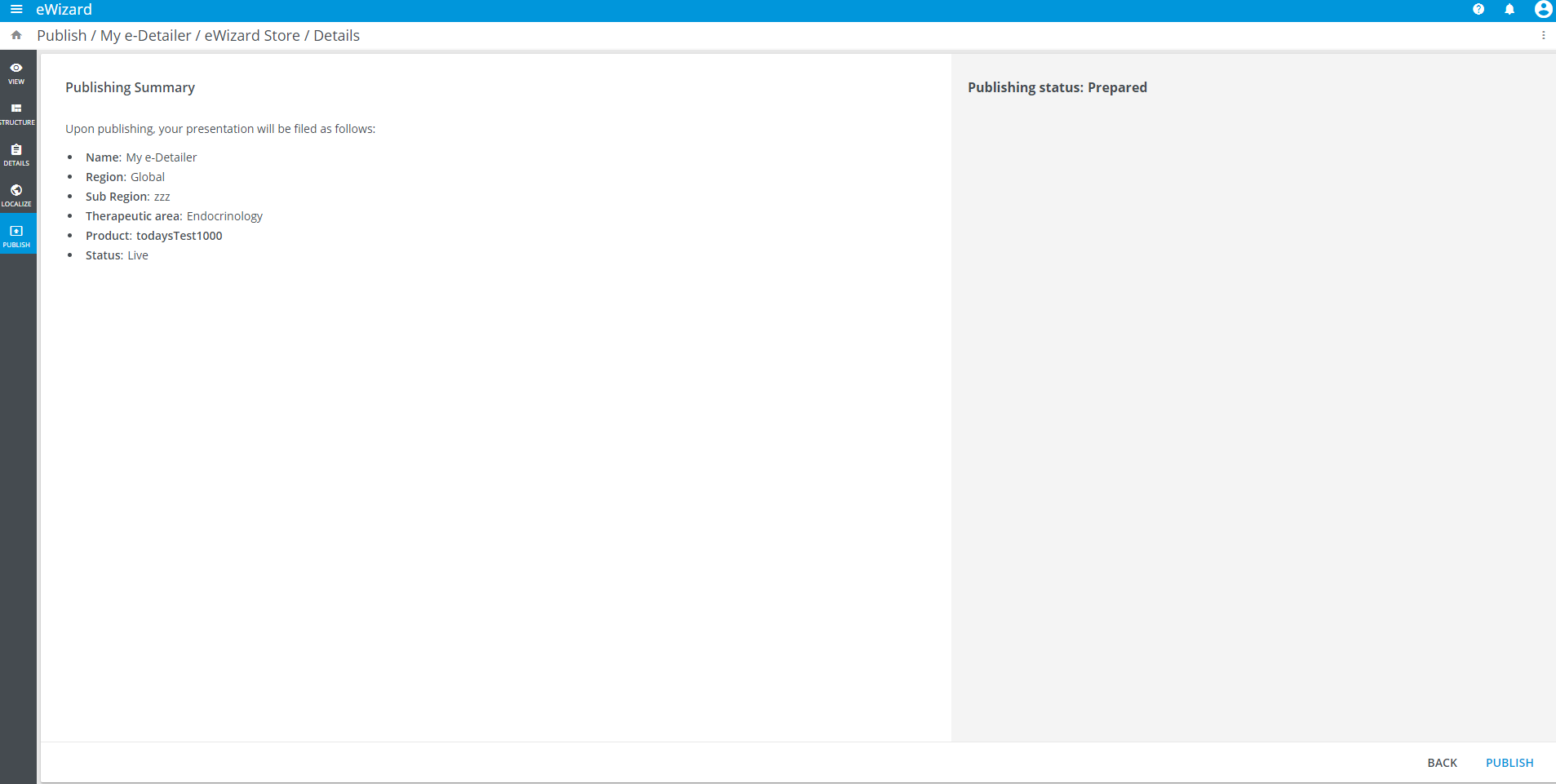
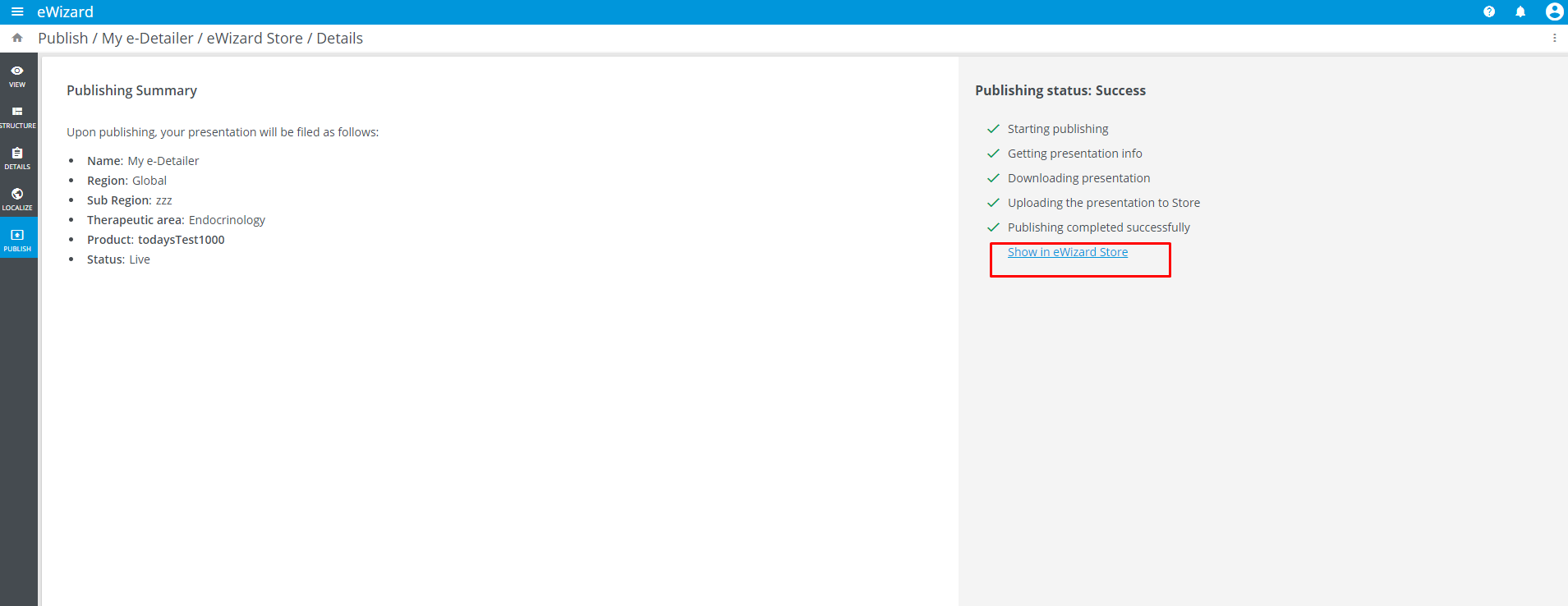
The process of publishing is displayed step-by-step.
After the publishing process is complete, the Show in eWizard Store reference appears under the list of publishing statuses. It redirects to your e-Detailer recently published to eWizard Store:
As a follow-up to each publishing process, regardless of its result (success or failure), a notification is sent to your email address.