Appearance
Source selection
The source selection and filtering block allows navigation between content sources (top-left icons) and the content filtering:
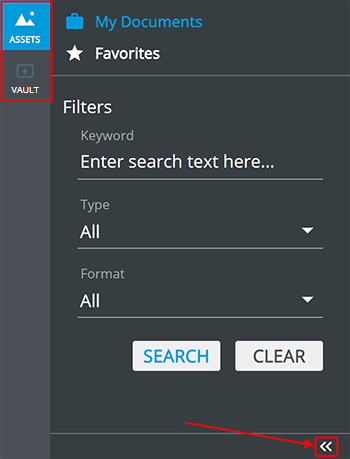
 – eWizard proprietary storage.
 – Media Connector Vault (Vault storage).
My Documents shows all available files.
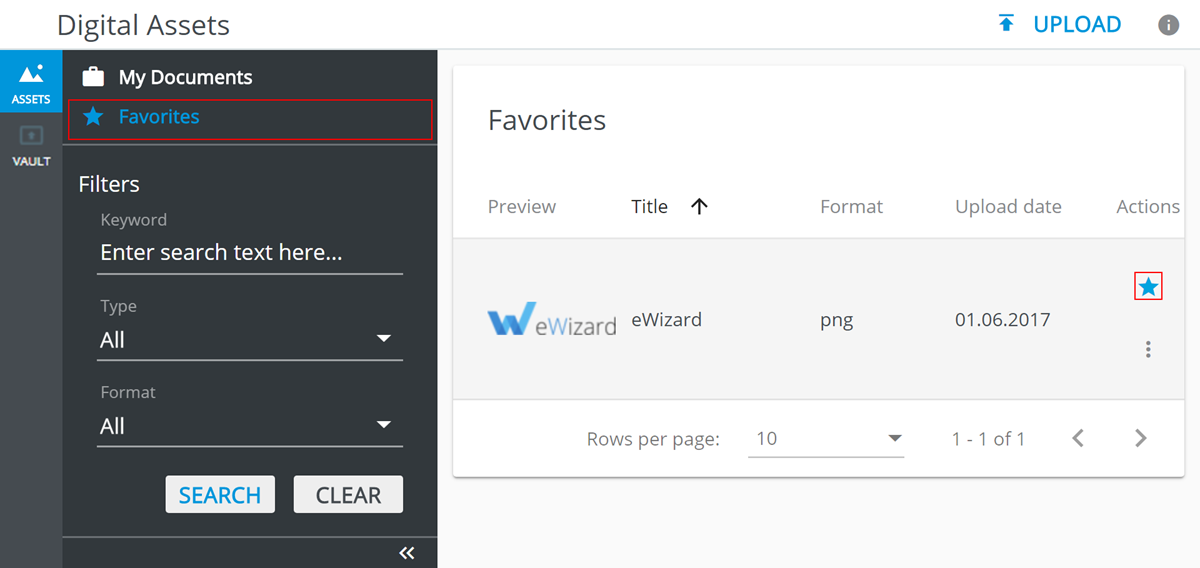
Favorites shows files from Favorites only:
 – to expand/collapse the bar
- Filter the content by the following:
Keywordshows only files with the given keyword in theirTitle.Typefilters by file type (All, Video, Image, PDF).Formatfilters by file format (All, mp4, mov, png, jpg, jpeg, gif, pdf).
- Click:
SEARCHto apply filters.CLEARto cancel filters.