Appearance
Survey structure
On the survey's Structure page you can change the order and names of chapters and slides. The slides order changes with drag&drop. The Add Chapter button at the top of the section opens a chapter creation dialog:
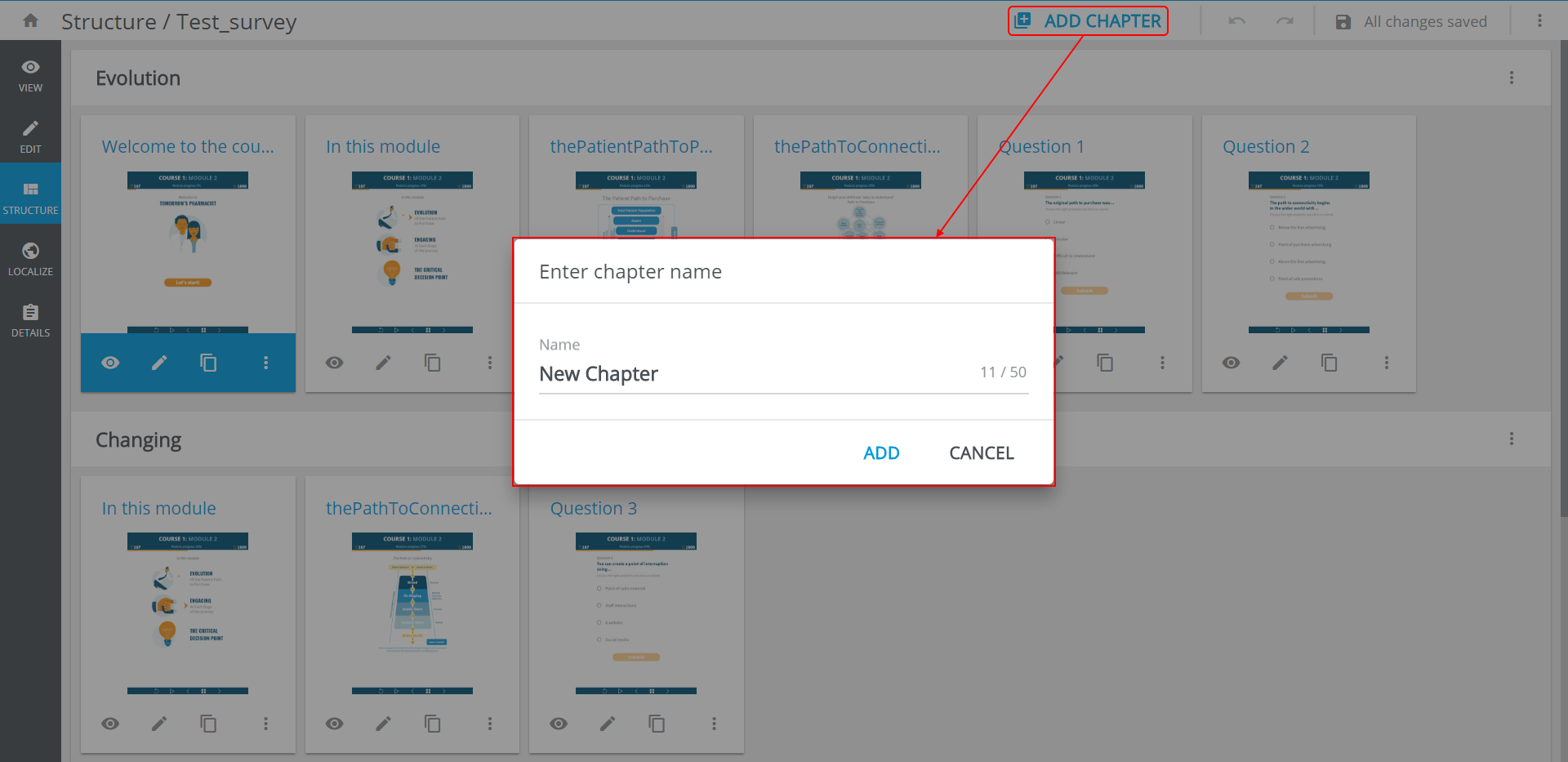
The new chapter will be added to the end of the survey.
Press  aside the chapter name to open chapter's management options:
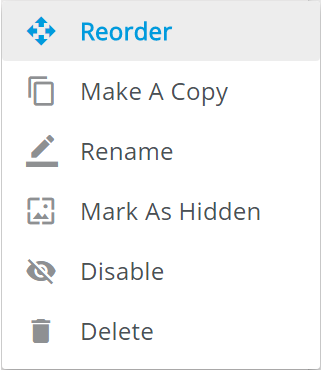
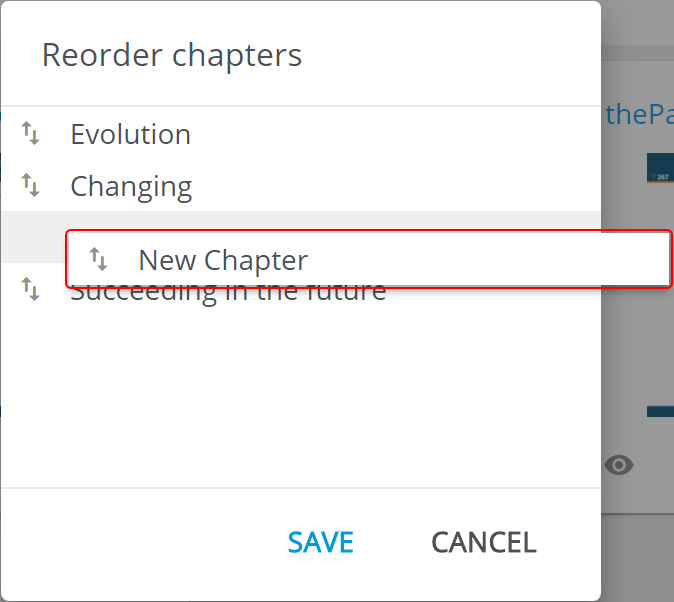
Reorderopens theReorder chaptersform, where you can swap the chapters around with drag&drop:
Mark As Hiddenremoves the chapter's slides from the survey sitemap (hidden slides can still be available by link or swipe).Disableturns off the chapter. All the slides of the disabled chapter become unavailable during the survey view and will not be included into a build.