Appearance
Document
To export your item as a document, perform the described common steps first.
PDF
Once you select Documents, click PDF to export your e-Detailer as a PDF file. Then select the required option to download the file with or without comments.
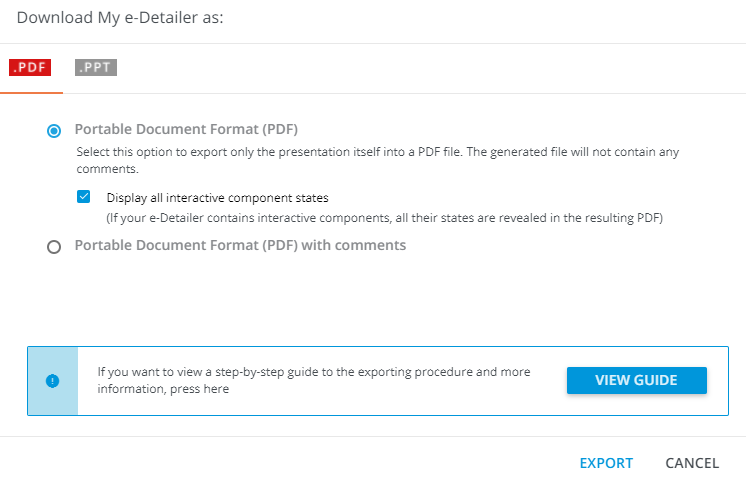
By default, the resulting PDF file contains each state of interactive components on the individual page. To download the e-Detailer with the interactive components in their original state only, clear the checkbox.
The resulting PDF-formatted e-Detailer keeps original layers, texts, images, subslides, and other components. The file is fully editable and available for comments.
In case your item contains a pop-up, tab-group, flip, carousel, coverflow, or accordion, the platform converts these components state-by-state as separate pages.
However, to avoid the identical slides bunching, components that are common for all slides' header and footer, are NOT converted into individual pages.
PPT
Once you select the Documents option, click PPT to export your e-Detailer as a PowerPoint document:
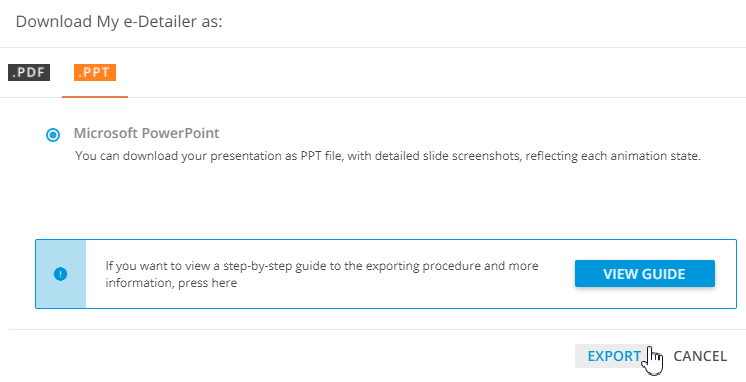
You can edit each slide as an image.