Appearance
Asset management
The content block displays available (uploaded) materials and their details:
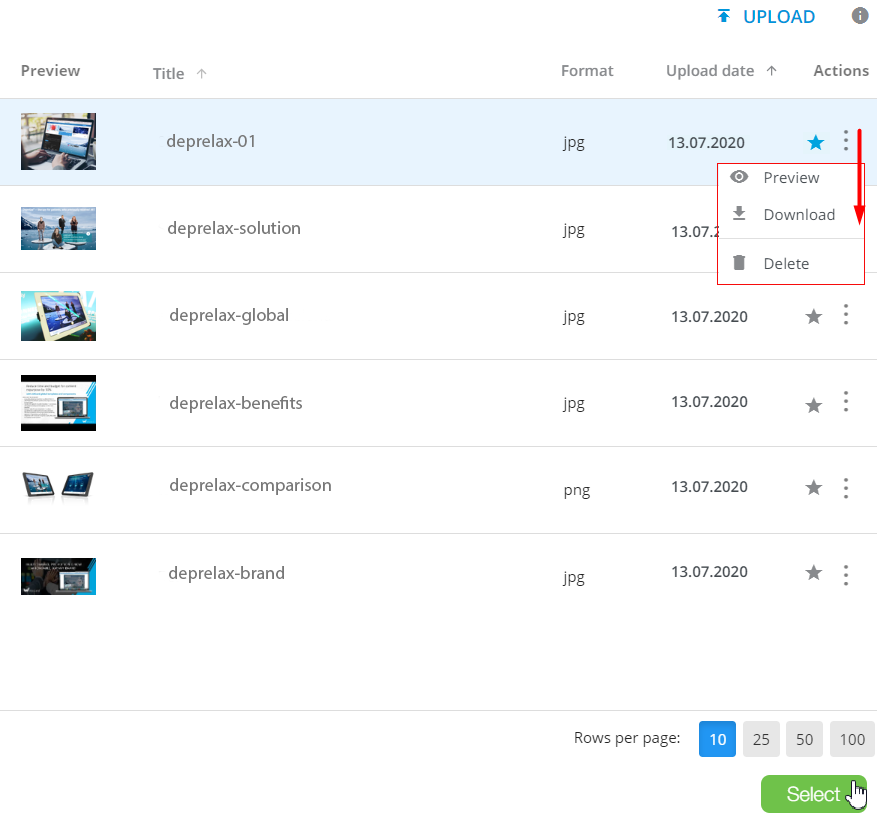
Consider the available actions you can perform within the content block:
Preview the asset and check its
Title, Format, andUpload date.Click
 on the corresponding column title to sort the media records in the list by title or upload date.
Click
 to add the asset to
 Favorites.Click
 in the
 Actionscolumn to unfold more options of the required asset:
 – to open the asset preview in a new browser tab.
 – to download the asset to your device.
 – to remove the file from the list.
Click
 in the top right corner to upload new files.
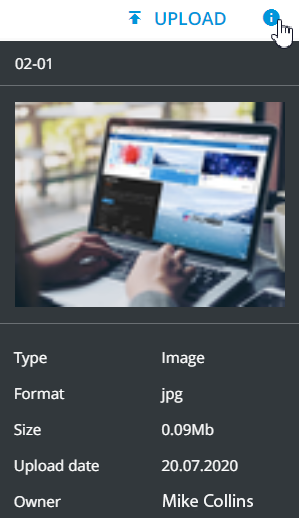
Click
 to view the asset details.
Set up
Rows per pageas you see fit.Click
Selectto add the given asset to the layout.